
Threat Intel
Windows Services Abuse: Threat Hunting Guide with Group‑IB MXDR
Adversaries are abusing legitimate Windows Services to execute malicious payloads. This briefing outlines the abuse pattern, its impact on enterprise environments, and actionable hunting steps using Group‑IB MXDR. Defenders should monitor service creation, execution, and persistence indicators and apply the recommended mitigations.

What Happened
Recent threat actors have been leveraging Windows Services to run malicious code, using the service framework to gain persistence and evade detection. The technique involves creating or modifying services that point to attacker‑controlled binaries or scripts.
Impact on Systems
When a compromised service starts, it can execute arbitrary code with the privileges of the service account, often enabling lateral movement, data exfiltration, or ransomware deployment. The abuse is stealthy because service events are logged as normal system activity.
Hunting with MXDR
- Enable service creation and modification alerts in MXDR.
- Correlate new service events with known malicious binaries or suspicious paths.
- Inspect service configuration for non‑standard start types, delayed start, or hidden dependencies.
- Cross‑reference service names against a curated list of legitimate Windows Services to spot anomalies.
- Use MXDR’s behavioral analytics to flag services that start during unusual hours or from non‑trusted hosts.
Mitigation and Response
Apply the following controls:
- Restrict the ability to create or modify services to privileged accounts only.
- Enforce application whitelisting for service binaries.
- Implement continuous monitoring of the Service Control Manager (SCM) logs.
- Use Group‑IB MXDR to automate isolation of compromised hosts and rollback of malicious services.
Next Steps
Integrate the hunting playbook into your SOC workflow, conduct regular service‑based threat hunting drills, and keep the MXDR rule set updated with the latest service abuse indicators.
Related articles
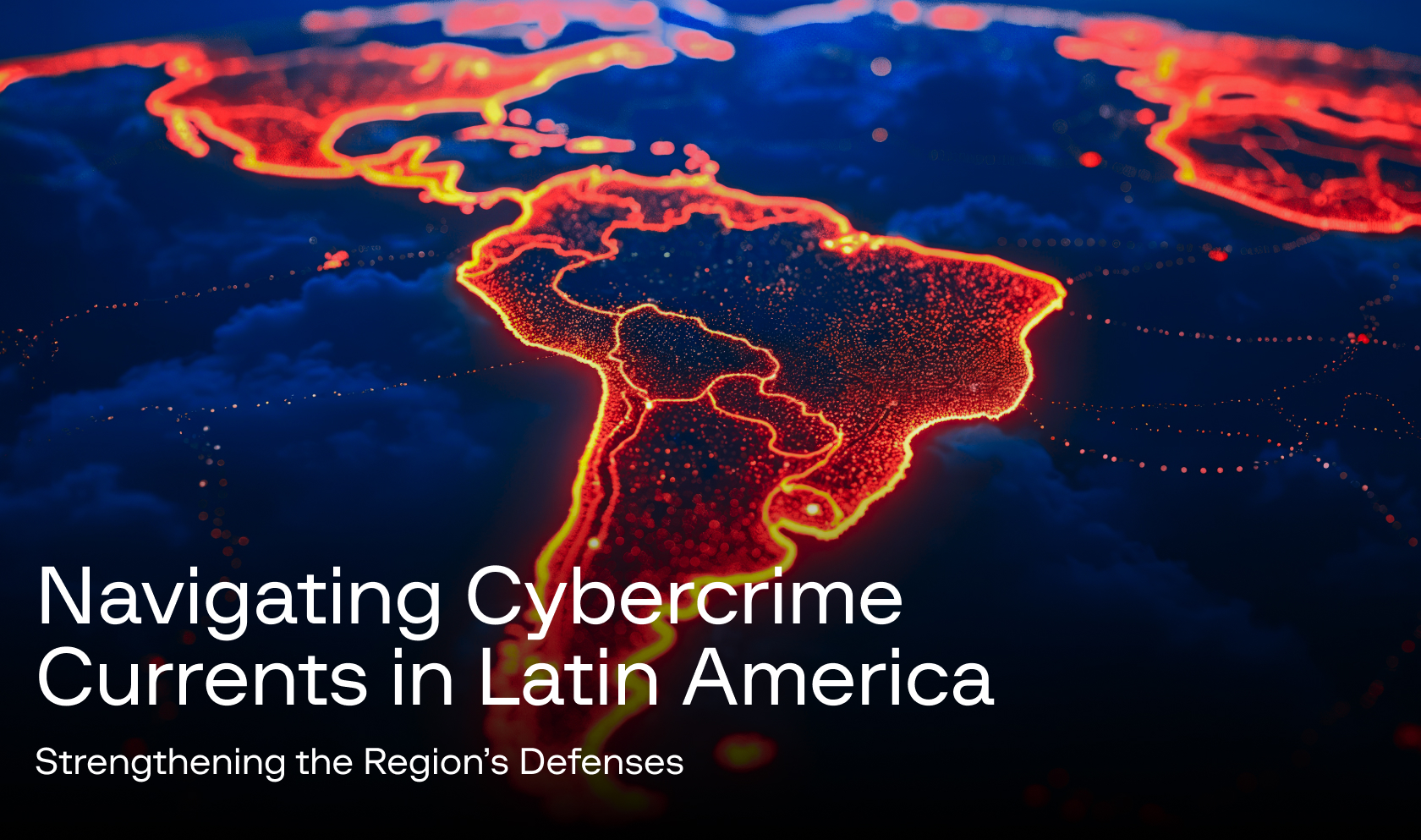
Group-IB Expands Cybercrime Intelligence Operations in Latin America
Group‑IB has launched a focused intelligence program to counter rising cybercrime in Latin America, highlighting local threat actors and tactics. The initiative offers a Unified Risk Platform and threat‑intelligence services to help SecOps teams detect, prevent, and respond to fraud, ransomware, and brand abuse. Defenders should integrate Group‑IB solutions, monitor regional threat feeds, and adopt the platform’s attack‑surface and digital‑risk protection modules.
Read briefing
Group-IB Launches Detailed Malware Reports for SOC Analysts, Threat Hunters, and Reverse Engineers
Group-IB now publishes comprehensive Malware Reports that deliver actionable intelligence for security operations teams. The reports cover malware families, indicators, and remediation guidance, enabling faster detection and response. Defenders should integrate these reports into their SIEM, threat hunting workflows, and reverse‑engineering processes to improve coverage.
Read briefing
Group-IB Unveils Unified Risk Platform to Consolidate Threat Intelligence for SecOps
Group-IB has launched an updated Unified Risk Platform that aggregates threat intelligence across attack surface, fraud, and cloud domains, providing actionable alerts for security teams. The platform integrates with SIEM, XDR, and email protection solutions, enabling defenders to detect phishing, ransomware, and brand abuse faster. SecOps teams should enable the platform, map feeds to existing tools, and prioritize high‑severity alerts.
Read briefing
Group‑IB Launches Unified Fraud Protection Platform for Digital Identity Security
Group‑IB has introduced a comprehensive Fraud Protection platform that consolidates threat intelligence, XDR, and email protection into a single solution. The platform targets organizations seeking to safeguard digital identities against fraud, phishing, and brand abuse. Defenders should evaluate integration options and enable real‑time monitoring to strengthen their security posture.
Read briefing