
Malware
Mac Malware Uses Fake CAPTCHA to Steal Keychain Credentials and Drain Crypto Wallets
A Go‑based malware delivered via a ClickFix phishing scam infected macOS systems by executing a terminal command. The payload extracts Keychain passwords and drains cryptocurrency wallets. Defenders should block the malicious domain, update EDR signatures, and audit Keychain access logs.
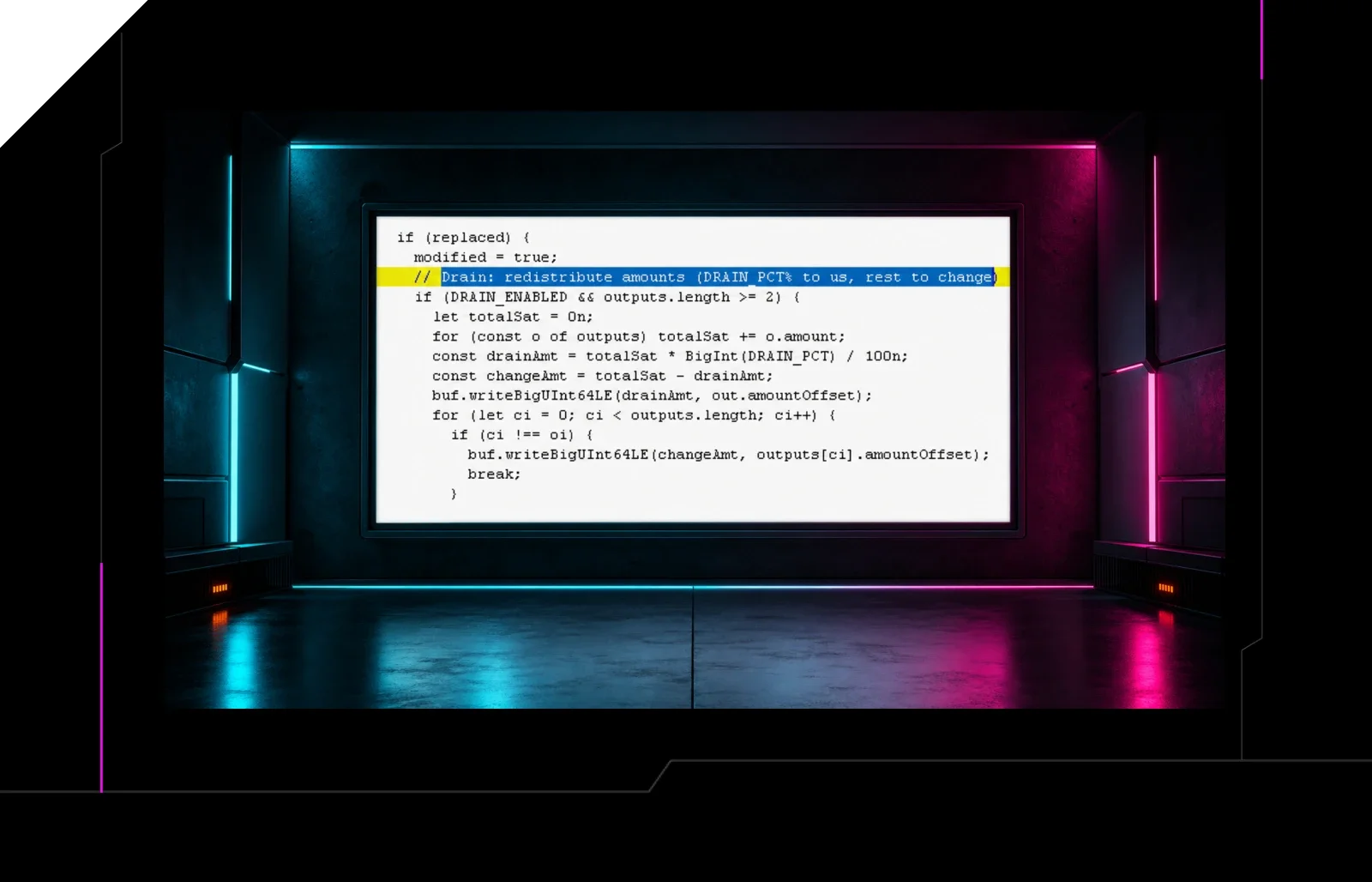
A recent phishing campaign leveraged a ClickFix‑style fake CAPTCHA to lure macOS users into executing a Terminal command that installed a Go‑based backdoor. The malware harvests Keychain credentials and then uses them to transfer funds from connected cryptocurrency wallets.
What Happened
Victims received a pop‑up that mimicked a CAPTCHA verification. After clicking “Continue,” they were prompted to paste a terminal command. Running the command downloaded a binary that persisted as a launch agent.
Impact
macOS systems with active Keychain passwords and cryptocurrency wallets are at risk. The malware can exfiltrate credentials and initiate wallet transfers.
Technical Details
- Language: Go
- Persistence: launch agent in ~/Library/LaunchAgents
- Credential theft: Keychain API calls
- Wallet draining: interacts with popular wallet APIs (e.g., MetaMask, Ledger)
Mitigation Steps
- Block the malicious domain and any associated IPs at the network perimeter.
- Update EDR/AV signatures to detect the Go binary and launch agent.
- Audit Keychain access logs for unauthorized reads.
- Force password rotation for all Keychain entries and crypto wallet credentials.
- Run a full system scan on all macOS endpoints.
Detection Tips
Watch for:
- Unexpected terminal commands executed by users.
- New Go binaries in
/usr/local/binor~/Library/LaunchAgents. - Outbound traffic to unfamiliar cryptocurrency nodes.
“The attacker’s goal was to harvest credentials and then move the money.”
Related articles
ClickFix Campaign Compromises Ukrainian Sites, Deploys Psychedelic Stealer via Fake Cloudflare Verification
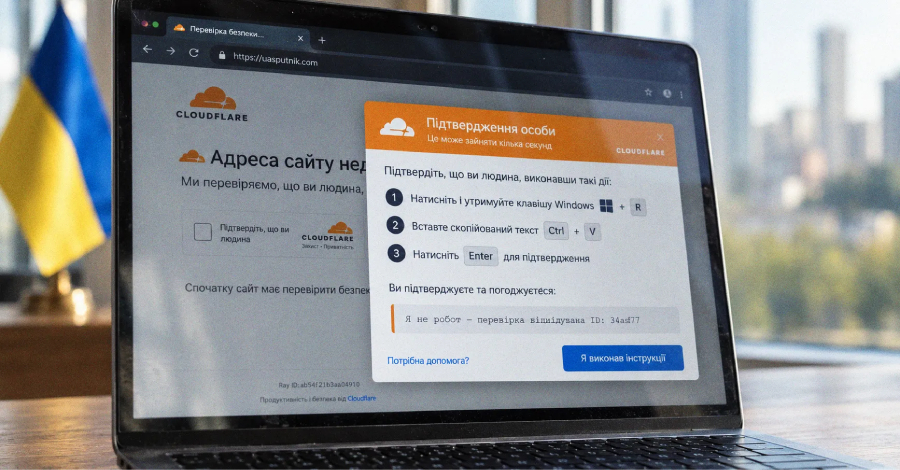
An active ClickFix campaign has injected fake Cloudflare verification pages into legitimate Ukrainian business sites, tricking visitors into running an MSI installer that delivers the Psychedelic stealer. The malware harvests credentials, cryptocurrency wallet data, and establishes persistence via scheduled tasks. Defenders should block the attacker domains, detect MSI executions, and harden web applications against iframe injection.
Read briefing
Elastic Security Labs Releases NETWIRE Configuration Extractor to Aid Detection
Elastic Security Labs has released a free tool that dynamically extracts encrypted configuration data from the NETWIRE RAT, a malware variant that has risen in prevalence since 2022. The extractor uses YARA and Capstone to locate RC4 keys and decrypt payloads, enabling defenders to expose C2 endpoints and credentials quickly.
Read briefing
BTMOB Android RAT: Phishing, Fake App Stores, and Accessibility Exploit
BTMOB is an Android RAT that spreads via phishing sites and counterfeit app stores, then abuses Accessibility Services to gain full device control. The malware is sold with an APK‑builder, enabling rapid, code‑free payloads. Defenders should block malicious domains, disable unknown accessibility services, and enforce app‑store vetting.
Read briefing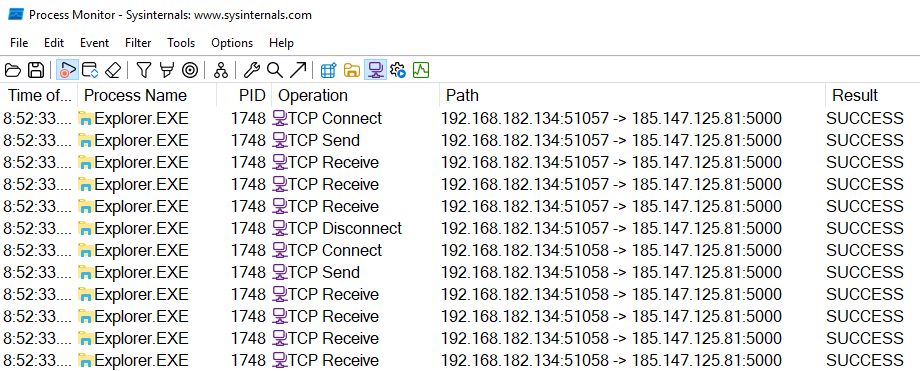
DOUBLELOADER Malware Uses ALCATRAZ Obfuscation – What Defenders Need to Know
Elastic Security Labs uncovered DOUBLELOADER, a backdoor that uses the ALCATRAZ obfuscator and ships with the RHADAMANTHYS infostealer. The malware injects into explorer.exe, gathers system data, and beacons to a hard‑coded IP. Defenders should scan for the .0Dev section, use de‑obfuscation tools, and block outbound traffic to the beacon address.
Read briefing