
Malware
REMCOS RAT 2024: Watchdog Persistence and Offline Keylogger Mechanisms
The 2024 REMCOS RAT uses a watchdog process to maintain persistence and a low‑profile offline keylogger that writes to a predictable AppData path. Defenders should monitor for injected svchost.exe or rmclient.exe processes, check HKCU\SOFTWARE\{MUTEX}\WD registry entries, and look for keylogger.dat files in %APPDATA%. Early detection can prevent data exfiltration and process restarts.

What Happened
In 2024, the REMCOS RAT expanded its footprint by adding a watchdog mechanism that restarts the main payload when it is terminated, and an offline keylogger that captures keystrokes to a file in the user’s AppData folder.
Persistence via Watchdog
When the enable_watchdog_flag is set, REMCOS spawns a new process (typically svchost.exe, rmclient.exe, or fsutil.exe), injects the malware into it, and creates the registry key HKCU\SOFTWARE\{MUTEX}\WD containing the main process PID. The watchdog monitors the main process and, upon termination, relaunches it using ShellExecuteW with the path stored in HKCU\SOFTWARE\{MUTEX}\exepath.
Offline Keylogger
With keylogger_mode 1 or 2, REMCOS installs a WH_KEYBOARD_LL hook and writes captured keystrokes to %APPDATA%\keylogger.dat. The file path is built from keylogger_root_directory, keylogger_parent_directory, and keylogger_filename configuration values.
What to Do
- Search for injected svchost.exe or rmclient.exe processes that have a parent process matching the malware binary.
- Check HKCU\SOFTWARE for {MUTEX}\WD and {MUTEX}\exepath entries; delete suspicious keys.
- Scan %APPDATA% for keylogger.dat or other files with names matching the configuration pattern.
- Enable process monitoring and registry auditing to detect new watchdog processes and registry changes.
- Apply the latest Windows updates and harden kernel‑mode hooking defenses to mitigate SetWindowsHookExA exploitation.
Related articles
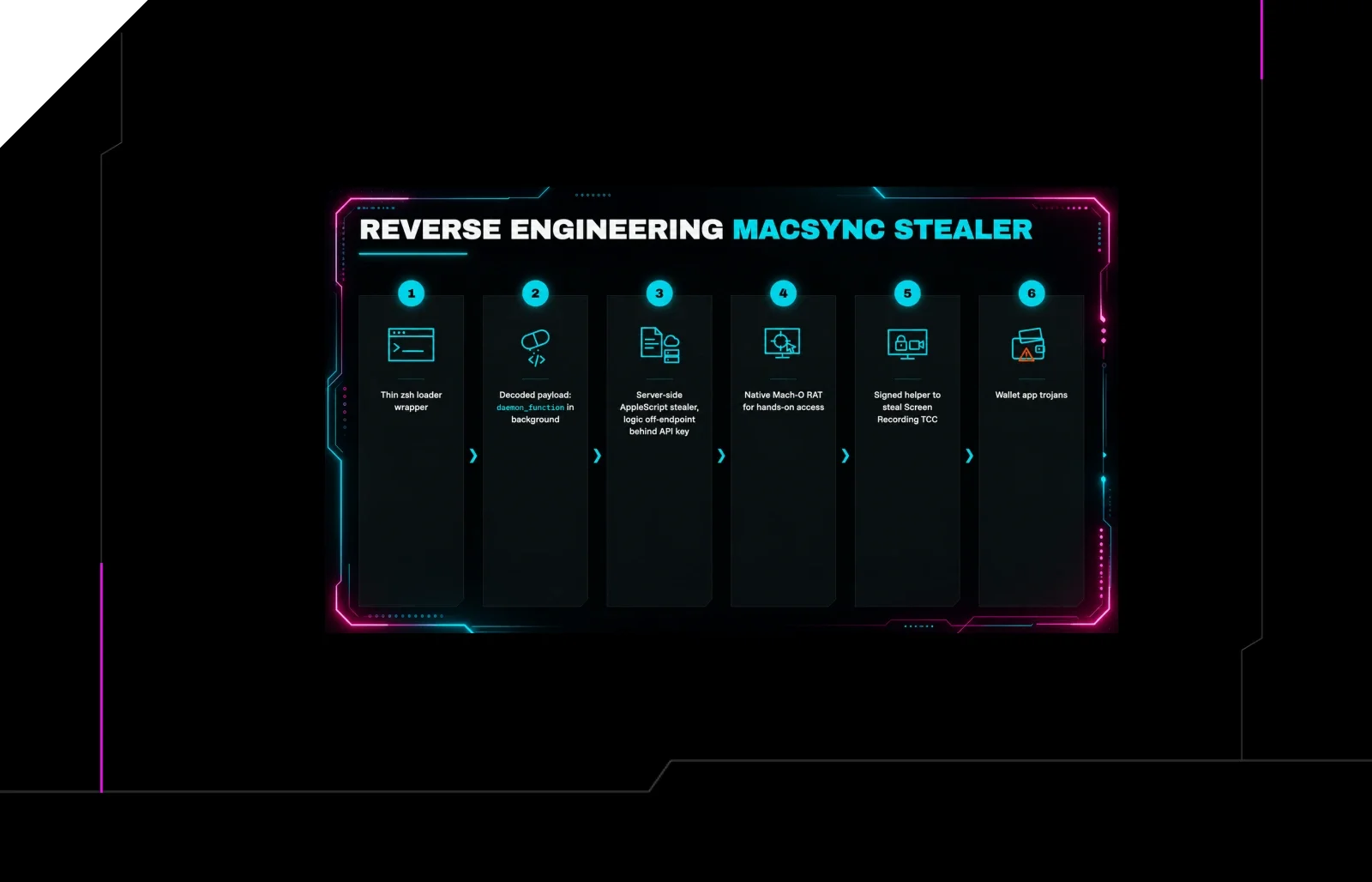
MacSync Stealer: Six‑Stage macOS RAT Reverse‑Engineered – Defender Actions
The MacSync RAT, a six‑stage macOS infostealer, was reverse‑engineered after an infected host was taken offline. Attackers used the tool to exfiltrate credentials and maintain persistence. Defenders should monitor for its unique persistence modules, block known download URLs, and harden MacOS with the latest security updates.
Read briefing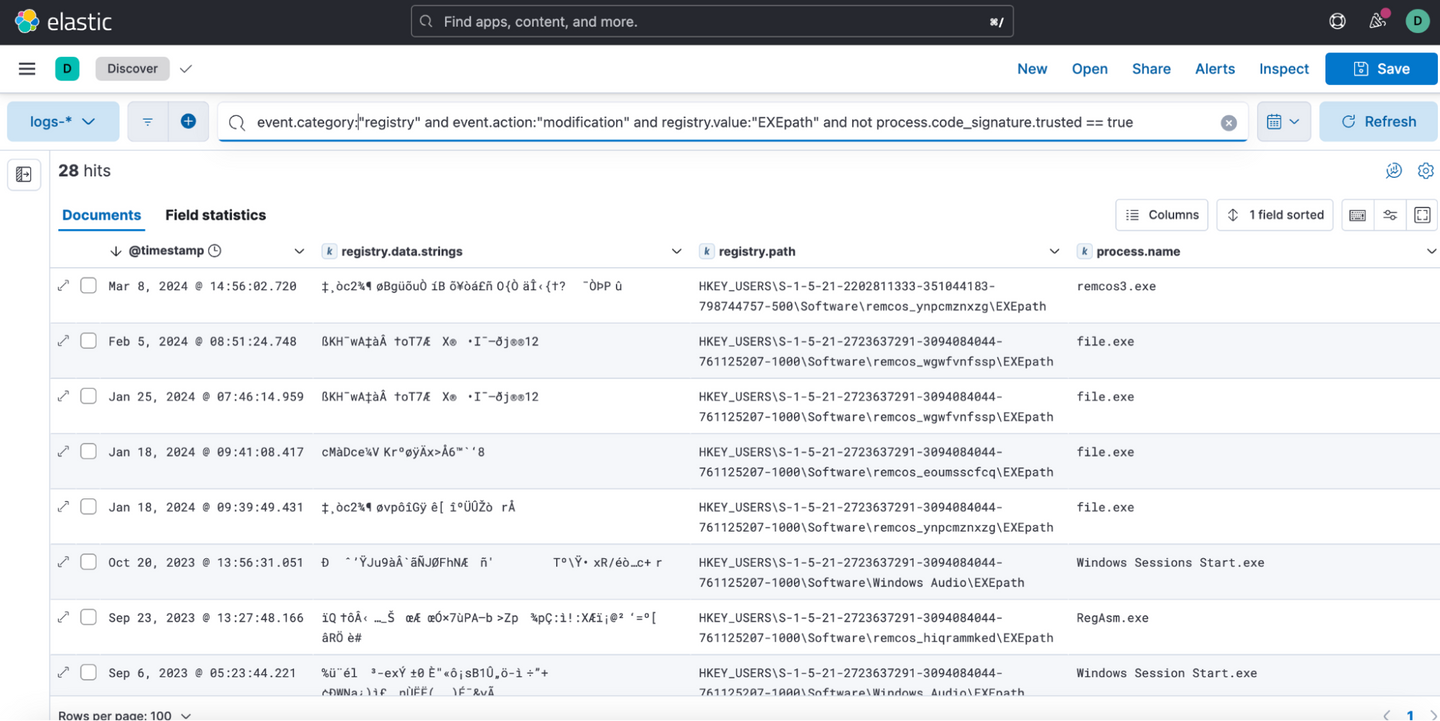
REMCOS RAT 2024: Persistence, UAC Bypass, and Browser Data Erasure – Detection Guidance
The REMCOS RAT, active in 2024, establishes persistence via the Run key, injects into svchost.exe and Internet Explorer, bypasses UAC with ICMLuaUtil, disables UAC, clears browser cookies, and logs keystrokes. Defenders should monitor registry modifications to EXEPath, unsigned process injections, and file deletions, and enforce UAC and signed‑binary policies.
Read briefing
Android RAT Hirudo Replaces Banking Apps with Trojanized Copies
A new Android RAT, Hirudo, drops trojanized copies of banking apps to bypass security controls, targeting eight Indonesian banks and potentially others. Defenders should block suspicious app downloads, monitor for unknown RATs, and enforce app vetting.
Read briefing
Elastic Security Labs Releases NETWIRE Configuration Extractor to Aid Detection
Elastic Security Labs has released a free tool that dynamically extracts encrypted configuration data from the NETWIRE RAT, a malware variant that has risen in prevalence since 2022. The extractor uses YARA and Capstone to locate RC4 keys and decrypt payloads, enabling defenders to expose C2 endpoints and credentials quickly.
Read briefing