
Cloud Security
Mitigating Stale Sharing Risks in Microsoft 365 Through Access Governance
Microsoft 365 environments frequently accumulate stale file-sharing permissions and orphaned links, leaving sensitive enterprise data exposed. SecOps and sysadmins must implement centralized access governance and owner-driven reviews to audit permissions and revoke unnecessary access.

What Happened
While Microsoft 365 streamlines collaboration through SharePoint, Teams, and cloud links, it creates significant visibility blind spots for security teams. Files and project folders shared with internal users, external clients, or partners often retain permissions long after their business justification has expired. Over time, this leads to widespread over-provisioning and unmanaged access to sensitive corporate data.
Impact
Unmonitored collaboration pathways increase an organization's internal and external attack surface. If an external partner account is compromised, or if a former employee retains legacy access tokens, threat actors can leverage residual permissions to silently exfiltrate confidential files. Security teams frequently lack the necessary telemetry to track who possesses active links to corporate assets.
What to Do
Defenders and administrators must establish strict access governance frameworks within their Microsoft 365 ecosystems to regain control over shared data.
- Deploy centralized identity and access governance (IAG) tooling to map current file permissions across SharePoint and OneDrive.
- Implement routine, owner-driven access reviews requiring data owners to periodically validate external and internal sharing links.
- Automate the revocation of permissions for inactive accounts, expired project folders, and legacy guest users.
- Enforce strict Microsoft Purview sensitivity labels and expiration policies on shared links to limit the lifespan of external access.
Related articles

Microsoft Teams to Introduce Configurable File Extension Blocking for Admins
Microsoft is updating the Weaponizable File Protection feature in Microsoft Teams to allow administrators to customize blocked file extensions. Slated to roll out globally in November 2026, the update enables SecOps teams to enforce bespoke file-sharing restrictions beyond default Microsoft safety lists.
Read briefing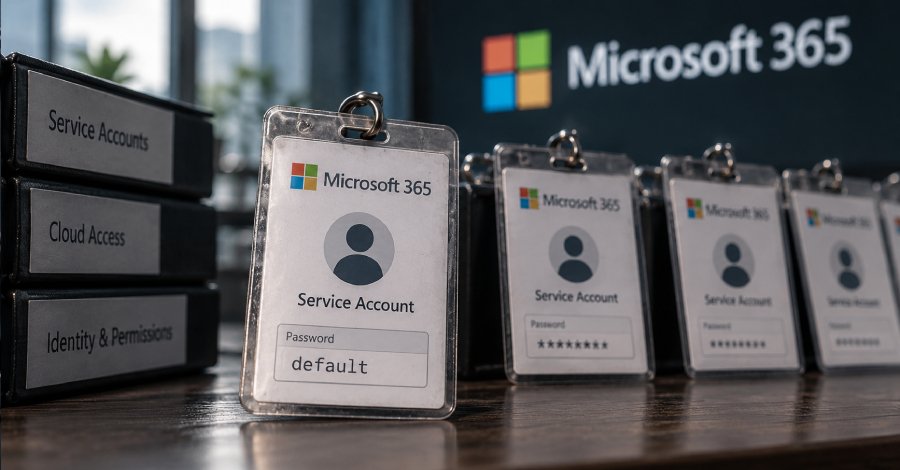
TeamFiltration Brute-Force Campaign Compromises Microsoft 365 Service Accounts
An active threat campaign tracked as UNK_CondorFiltration utilized AWS infrastructure to target over 5,700 Microsoft 365 accounts across 28 tenants in July and August 2026. Researchers attribute seven successful compromises directly to unmanaged service accounts utilizing unrotated default passwords and lacking multi-factor authentication.
Read briefing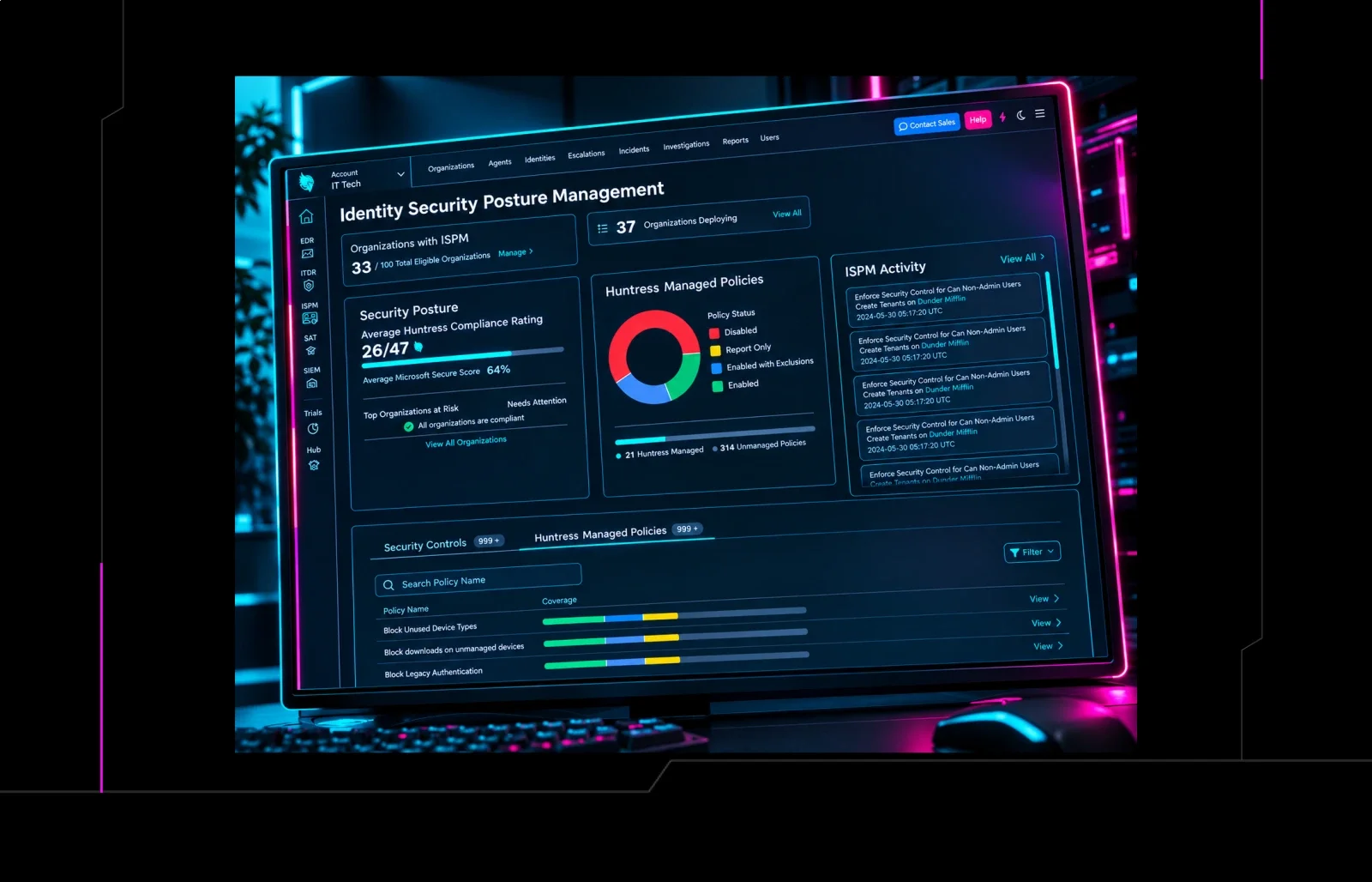
Huntress Introduces Dual Deployment Modes for Microsoft 365 Hardening
Huntress now offers Managed ISPM with two deployment options: fully automated hardening or granular control over Microsoft 365 settings. Security teams can choose the approach that fits their governance model. This update enables tighter control of identity and email defenses across Microsoft 365.
Read briefing
tenfold Community Edition Adds Shared Content Governance and Real‑Time Event Auditing
tenfold has expanded its free Community Edition for organizations under 150 users with two new capabilities: shared‑content access reviews and centralized event auditing. These additions help teams manage Microsoft 365 sharing and investigate suspicious identity activity. Defenders should enable the features and review existing shared‑content permissions.
Read briefing