
Threat Intel
Using Auditd and Auditd Manager for Real‑Time Linux Detection
Auditd provides kernel‑level event logging for Linux, enabling precise detection of suspicious activity. Elastic’s Auditd Manager simplifies rule deployment across hosts, letting defenders focus on threat hunting rather than configuration drift. This briefing outlines how to enable Auditd, craft rules, and integrate with Elastic Stack for actionable alerts.

What Happened
Auditd is a native Linux audit daemon that logs system calls and file events. Elastic has released an Auditd Manager plugin that centralizes rule management and automates rule distribution to Auditbeat, Filebeat, and Elastic Agent.
Impact
Defenders with Linux workloads gain a granular audit trail, enabling detection of privilege escalation, file tampering, and lateral movement. Without Auditd, many low‑impact actions remain invisible to SIEMs.
What to Do
- Install Auditbeat or Filebeat with the Auditd module on all Linux hosts.
- Enable the Auditd daemon (systemctl enable auditd; systemctl start auditd).
- Deploy Auditd Manager from Elastic and import the pre‑built rule set.
- Review and customize rules to match your environment (e.g., monitor /etc/shadow modifications, execve of /bin/su).
- Configure the Elastic Stack to ingest audit logs via Beats and create detection rules in SIEM.
- Set up alerting on high‑severity events such as “auditd: denied” or “execve of sudo”.
Auditd Manager centralizes rule management, ensuring consistent detection across the fleet.
Best Practices
Keep Auditd rules minimal to reduce noise; use “-p wa” for write and attribute changes only on critical files. Rotate audit logs daily and archive them for compliance. Verify rule effectiveness by simulating benign and malicious actions and checking alert generation.
Related articles
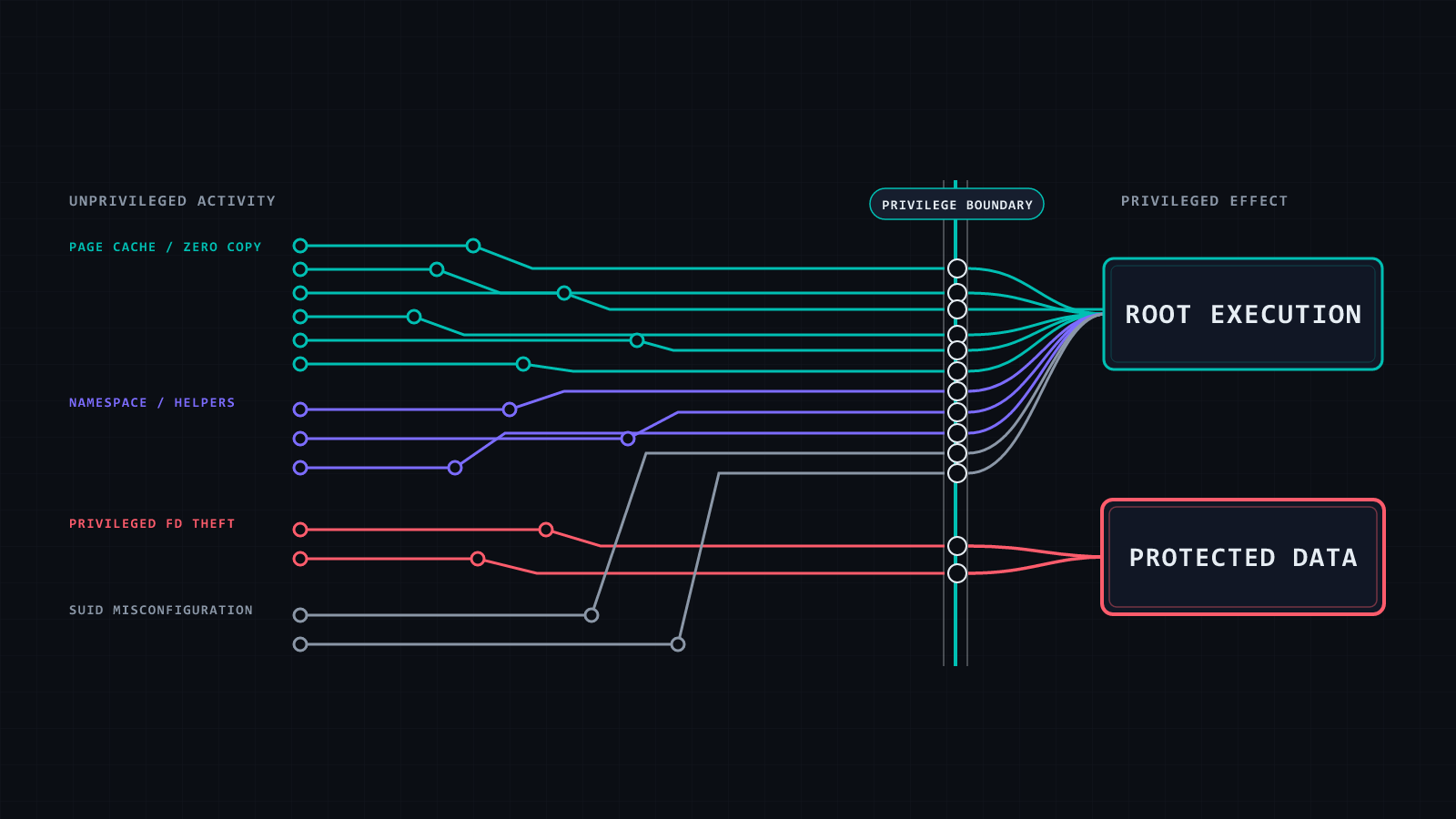
Copy‑On‑Write Chaos: Detecting the 2026 Linux Privilege Escalation Surge
In 2026 a wave of Linux privilege‑escalation CVEs exploded from a single copy‑on‑write bug, hitting kernel interfaces from networking to filesystems. RootPwn’s briefing explains how the same exploit pattern surfaces across diverse subsystems, how Elastic Defend and Auditd can surface the common escalation flow, and what rules to deploy to catch both the generic root‑gain pattern and the specific COW‑related techniques.
Read briefing
Leveraging Threat Intelligence to Strengthen MSSP Service Delivery
MSSPs can now integrate Group‑IB’s Unified Risk Platform to deliver real‑time threat intelligence, attack surface management, and managed XDR. By embedding these capabilities into the SOC workflow, defenders can reduce detection time, improve incident response, and offer clients proactive risk mitigation.
Read briefing
Mexican PhaaS Operation Targets 20+ Banks with Real‑Time Phishing, AI Vishing, and Mobile RAT
A Mexican PhaaS campaign has been uncovered that delivers real‑time phishing, AI‑driven vishing, and a mobile RAT to more than twenty financial institutions. Defenders should immediately review email and voice traffic, enforce MFA, and deploy endpoint detection for mobile devices.
Read briefing
CrowdStrike Releases Falcon Guardian: AI‑Driven Runtime Protection for Endpoints
CrowdStrike has launched Falcon Guardian, a new AI‑based detection and response platform that protects AI agents at runtime, introduces an AI gateway, and offers expert‑led defense. The solution is designed for SecOps teams to detect, triage, and remediate AI‑centric threats in real time.
Read briefing