
Threat Intel
Browser‑in‑the‑Browser Phishing Enables Rogue ScreenConnect Persistence
Attackers used a phishing campaign that delivered a browser‑in‑the‑browser (BIB) page, enabling installation of a rogue ScreenConnect remote‑management module that persisted on victim endpoints. The technique bypassed standard endpoint detection and allowed stealthy lateral movement. Defenders should block BIB URLs, audit ScreenConnect processes, and enforce MFA on RMM tools.
What Happened
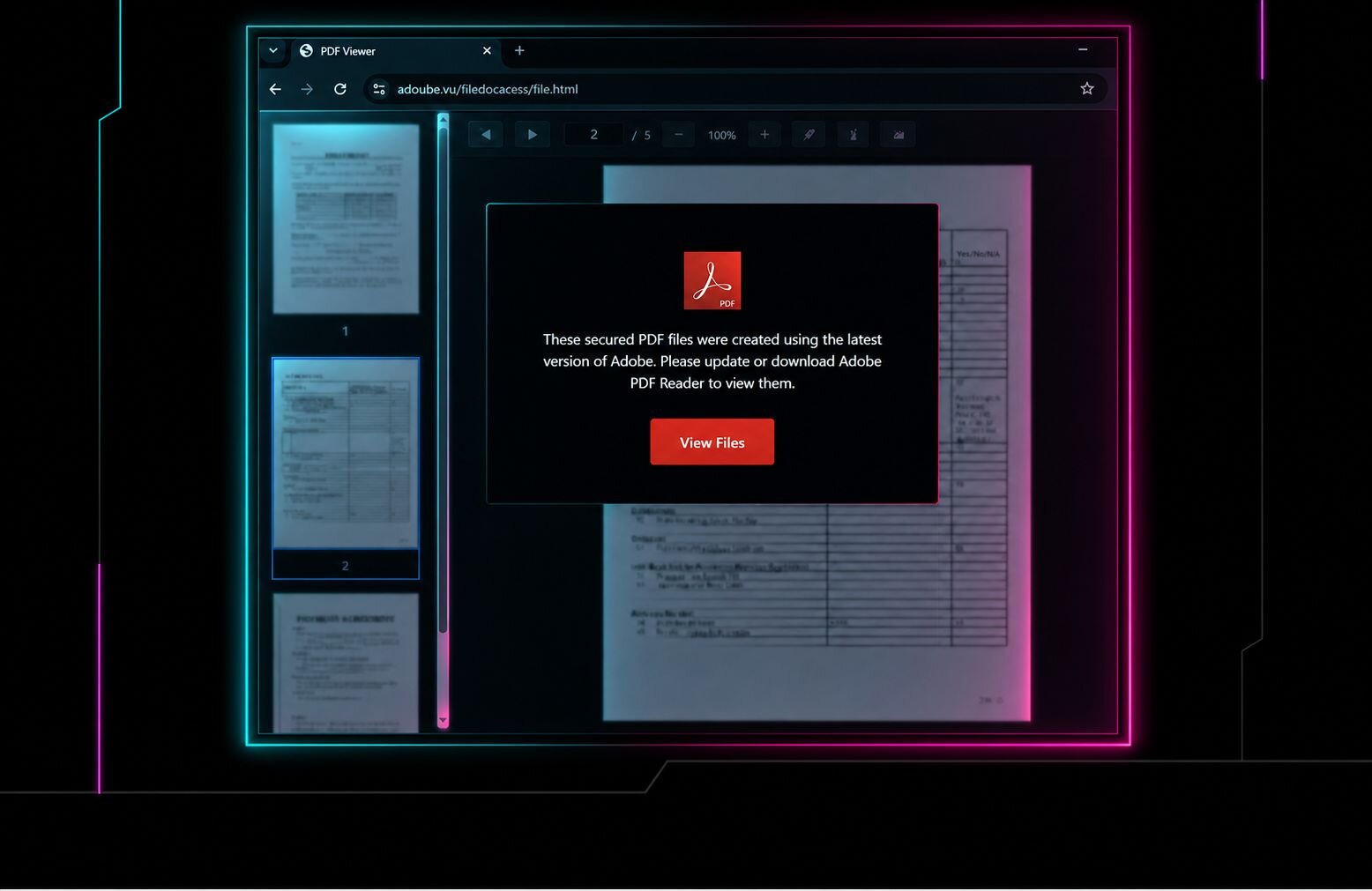
Cybercriminals sent targeted phishing emails that, when opened, loaded a browser‑in‑the‑browser (BIB) page. The BIB page executed JavaScript that installed a rogue ScreenConnect module on the victim’s machine. The module created a persistent service that allowed attackers to maintain remote access and evade detection.
Impact
Endpoints running any version of ScreenConnect were compromised. The rogue module persisted across reboots, enabled stealthy lateral movement, and could exfiltrate data without triggering typical endpoint alerts. Organizations with unmanaged or poorly secured RMM deployments were most at risk.
What to Do
- Block known BIB URLs and any suspicious email attachments or links.
- Audit all ScreenConnect processes; terminate any unknown or unauthorized instances.
- Enforce multi‑factor authentication for all RMM accounts and restrict remote‑access permissions.
- Apply the latest ScreenConnect patches and consider disabling legacy remote‑access features.
- Monitor for anomalous network traffic originating from ScreenConnect ports and services.
Related articles
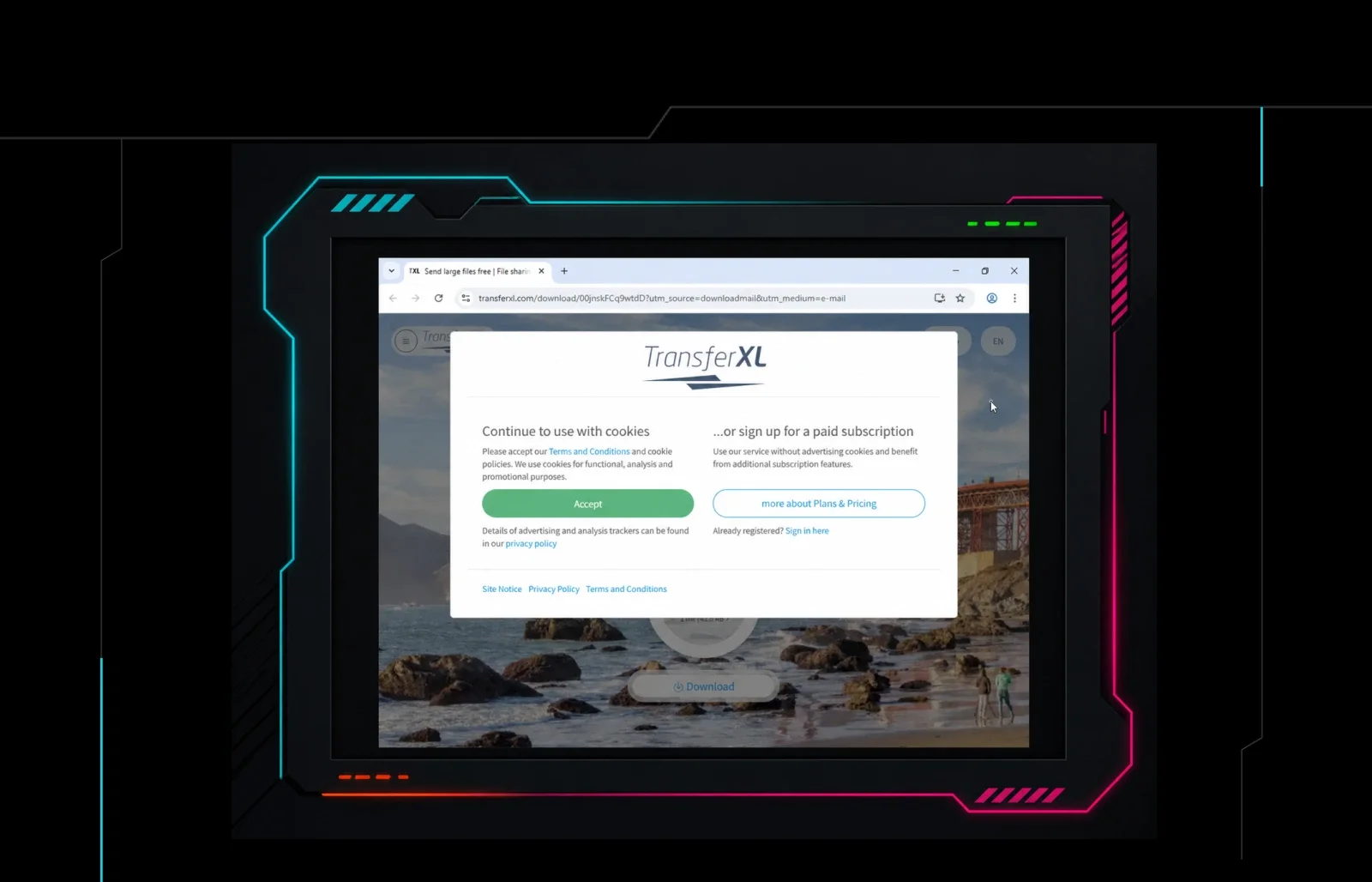
Huntress Reports Phishing Campaigns Using Rogue ScreenConnect Installations for Persistent Access
Huntress says its SOC has seen phishing attacks that convince employees to install rogue remote management tools, including ScreenConnect, giving attackers persistent access. Defenders should inventory authorized RMM agents, block or alert on unauthorized remote access software, and hunt for unexpected installers, services, and outbound management connections.
Read briefing
Outsider Phishing Kit: 267 Templates Targeting 54 Countries – What SecOps Need to Know
The Outsider phishing kit, developed by Chenlun, has 267 ready‑made templates that have been used to target more than 54 countries. The kit’s persistence and breadth make it a high‑severity threat for organizations worldwide. Defenders should block known phishing domains, monitor for suspicious email patterns, and deploy email protection solutions.
Read briefing
BlueKit Phishing-as-a-Service Enables Rapid Account Hijacking
BlueKit, a turnkey phishing platform, lets attackers launch sophisticated account‑hijacking campaigns in minutes. The kit includes a command center, tracking, and a library of 97 brand templates. Defenders should block known BlueKit domains, monitor for phishing emails, and harden MFA on high‑risk accounts.
Read briefing
Anatomy of a Multilayer Phishing URL Designed to Evade Security Controls
Recent threat intelligence highlights a phishing campaign utilizing a complex URL structure designed to exploit discrepancies in URL parsing. By combining RFC 3986 userinfo credentials, invalid hostname syntax, and path-based email spoofing, attackers successfully bypass naive security filters while maintaining browser compatibility. Defenders must update detection logic to strictly adhere to WHATWG URL standards.
Read briefing