
Threat Intel
Huntress Reports Phishing Campaigns Using Rogue ScreenConnect Installations for Persistent Access
Huntress says its SOC has seen phishing attacks that convince employees to install rogue remote management tools, including ScreenConnect, giving attackers persistent access. Defenders should inventory authorized RMM agents, block or alert on unauthorized remote access software, and hunt for unexpected installers, services, and outbound management connections.
What happened
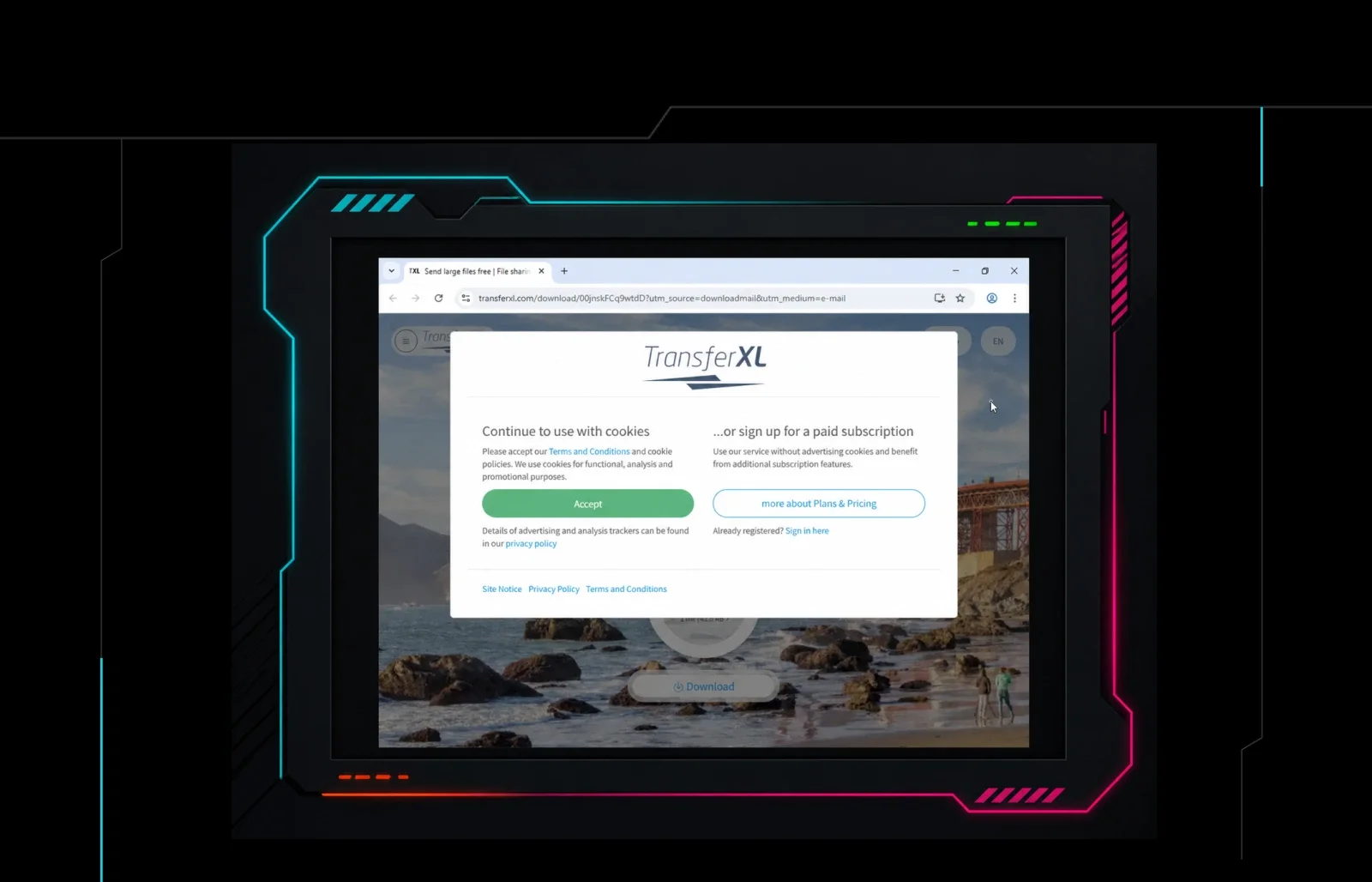
Huntress reported that its SOC observed phishing attacks in which employees were persuaded to install unauthorized remote management software. The briefing specifically names ScreenConnect as an example of a rogue RMM tool used to establish persistent access.
The attacks rely on user action rather than a disclosed software flaw: once an employee runs the installer, the remote access agent can remain on the endpoint and provide a channel for later intrusion.
Who is affected
Any organization whose users can install software and whose endpoints are reachable from the internet or from attacker-controlled RMM portals is exposed. Risk is higher where remote support tools are common, where installation controls are weak, or where employees receive support-related phishing messages.
What to do
- Inventory all RMM and remote access agents, then define an approved list by vendor, product, version, and installation path.
- Block or alert on unauthorized installers, services, scheduled tasks, and processes associated with remote management software, including ScreenConnect if it is not approved.
- Review email and endpoint telemetry for phishing lures that request remote support, IT help, or software installation.
- Enforce application allowlisting, least privilege, and user approval for new software where feasible.
- Search for unexpected outbound connections to RMM portals, new local admin accounts, and persistent access mechanisms on endpoints that recently received user-initiated installs.
Detection focus
Defenders should treat unexpected RMM installation as a high-fidelity indicator of compromise, not just a support ticket. Look for install events, service creation, new listening ports, and user-agent or portal activity that does not match the organization's approved remote access stack.
Practical rule: if a remote management agent appears on a host without an authorized change record, investigate it as malicious until proven otherwise.
Related articles
Browser‑in‑the‑Browser Phishing Enables Rogue ScreenConnect Persistence
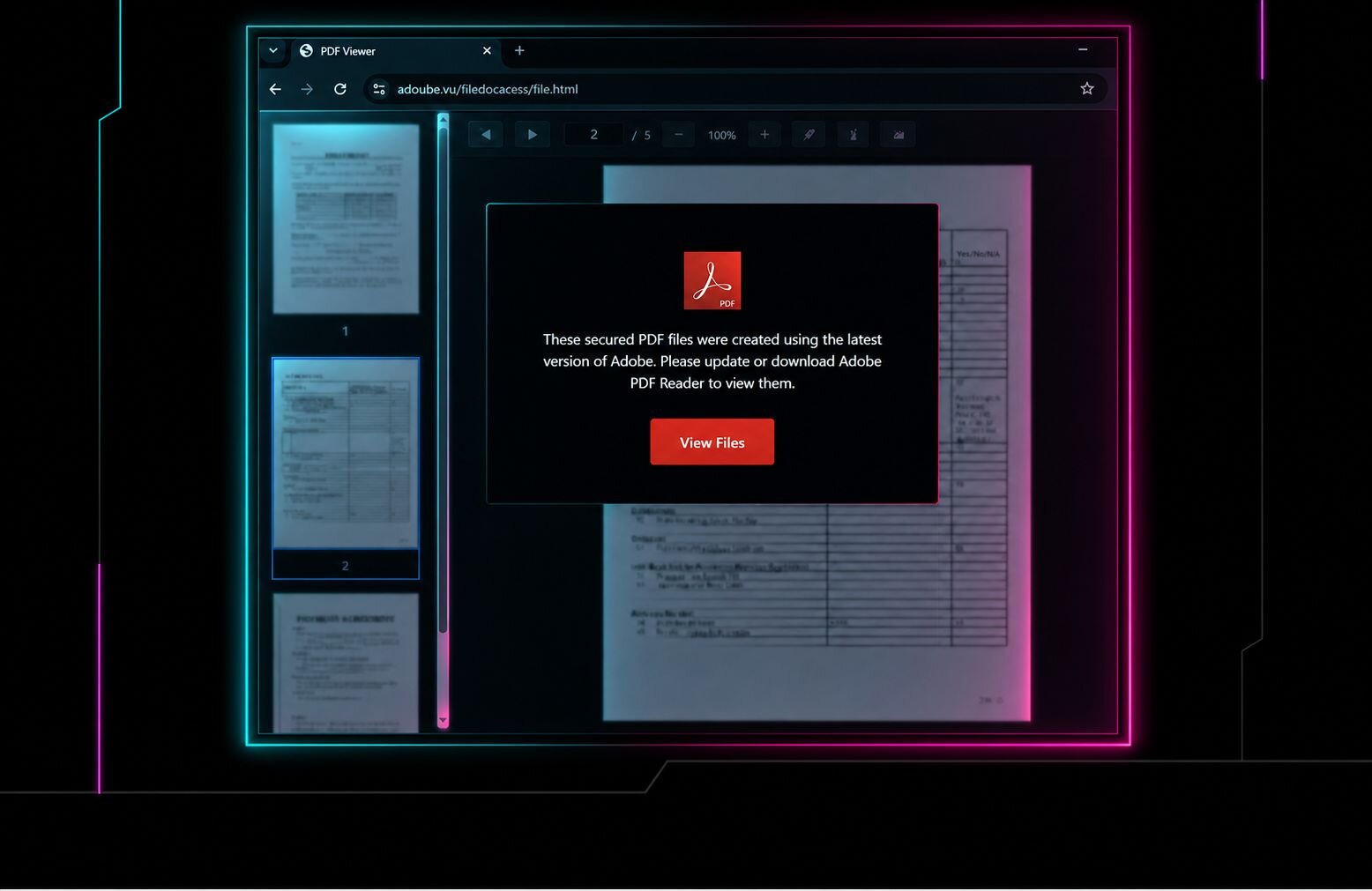
Attackers used a phishing campaign that delivered a browser‑in‑the‑browser (BIB) page, enabling installation of a rogue ScreenConnect remote‑management module that persisted on victim endpoints. The technique bypassed standard endpoint detection and allowed stealthy lateral movement. Defenders should block BIB URLs, audit ScreenConnect processes, and enforce MFA on RMM tools.
Read briefing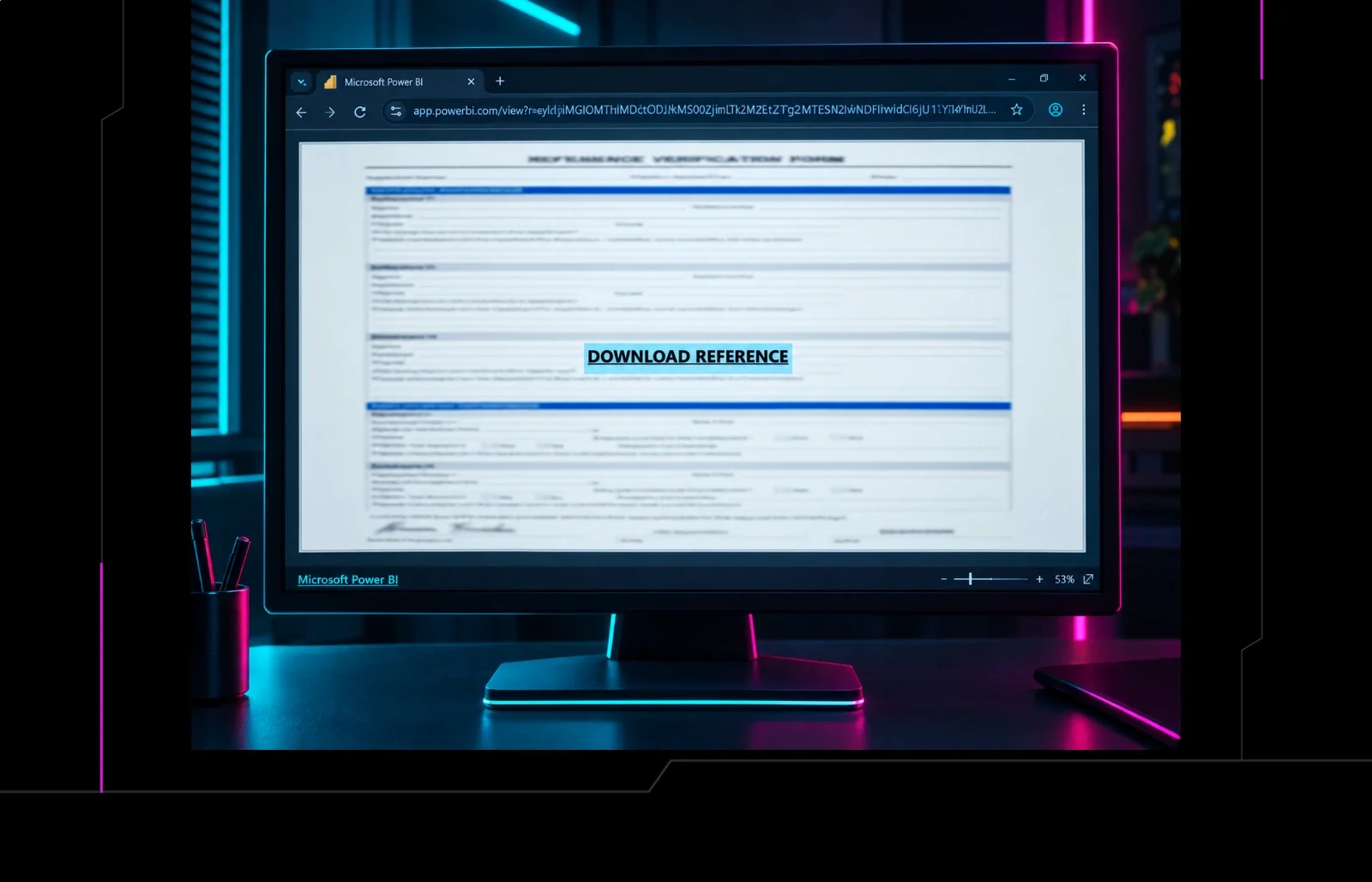
Phishing Campaign Uses Microsoft Power BI Links to Deploy Rogue ScreenConnect RMMs
Adversaries are sending emails with Microsoft Power BI URLs that install malicious ScreenConnect Remote Management clients. The attack gives attackers remote control over endpoints and bypasses typical email filters. Defenders should block suspicious Power BI links, monitor for unauthorized RMM installations, and enforce least‑privilege access.
Read briefing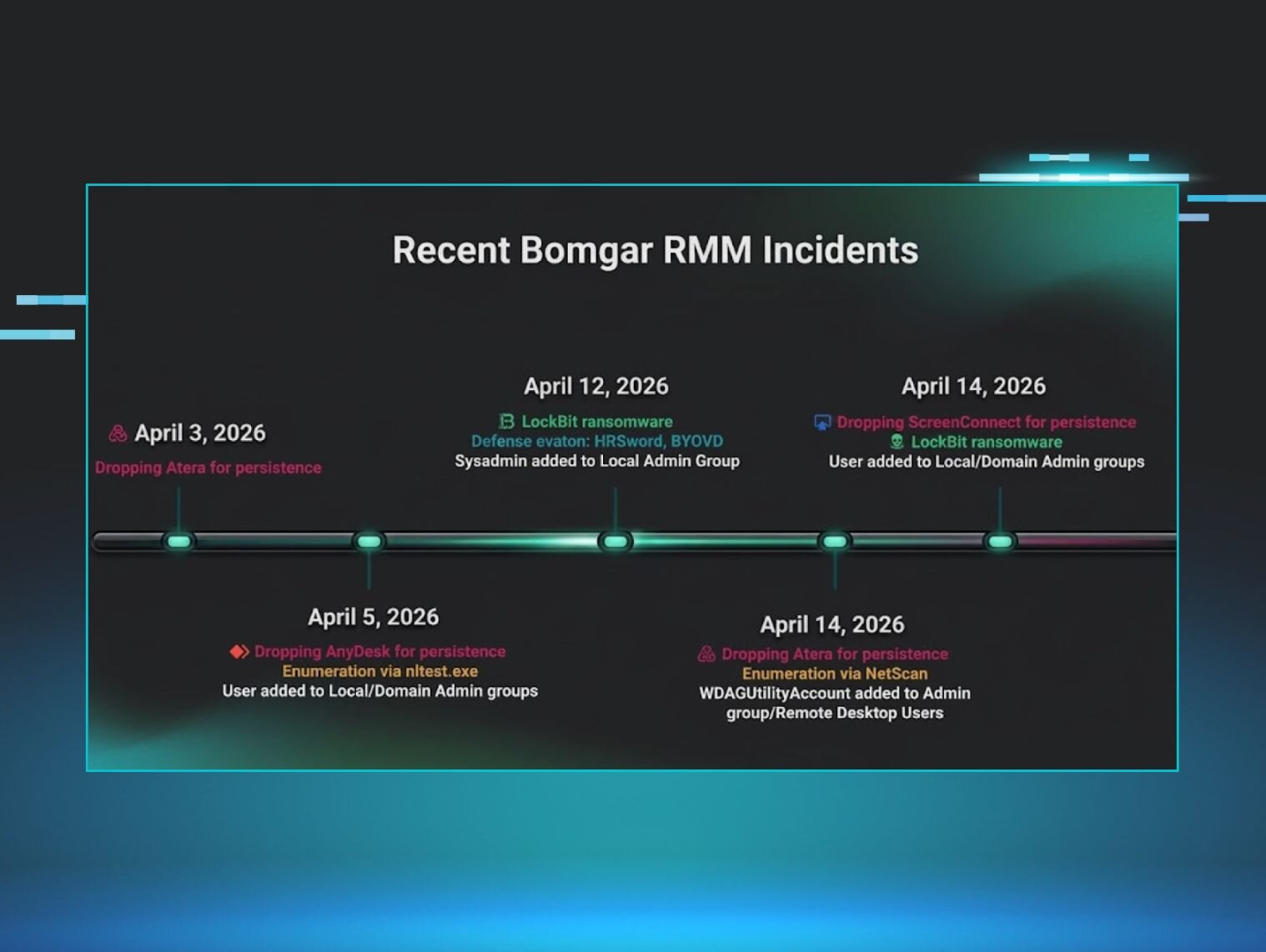
Bomgar RMM Compromise Surge: Immediate Defensive Actions
Huntress SOC reports a spike in attacks targeting Bomgar RMM instances. Defenders should verify patch status, enforce MFA, isolate compromised endpoints, and monitor for lateral movement. Immediate remediation can limit attacker persistence.
Read briefing
BlueKit Phishing-as-a-Service Enables Rapid Account Hijacking
BlueKit, a turnkey phishing platform, lets attackers launch sophisticated account‑hijacking campaigns in minutes. The kit includes a command center, tracking, and a library of 97 brand templates. Defenders should block known BlueKit domains, monitor for phishing emails, and harden MFA on high‑risk accounts.
Read briefing