
Threat Intel
Phishing Campaign Uses Microsoft Power BI Links to Deploy Rogue ScreenConnect RMMs
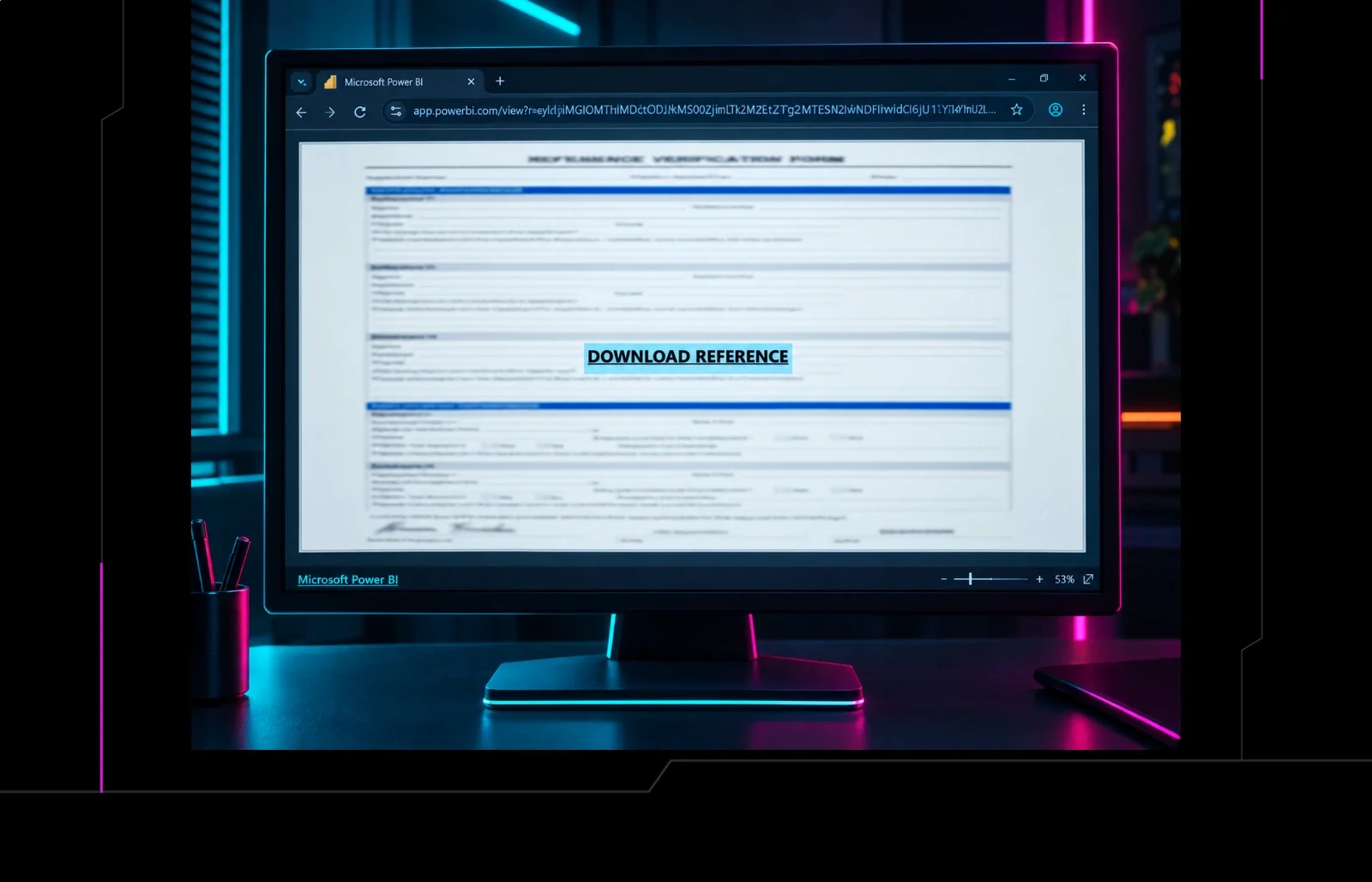
Adversaries are sending emails with Microsoft Power BI URLs that install malicious ScreenConnect Remote Management clients. The attack gives attackers remote control over endpoints and bypasses typical email filters. Defenders should block suspicious Power BI links, monitor for unauthorized RMM installations, and enforce least‑privilege access.
What Happened
Adversaries crafted phishing emails containing links that appear to point to Microsoft Power BI dashboards. When clicked, the links download and install a rogue ScreenConnect client, a remote‑management tool that can be abused for lateral movement and persistence.
Impact
Any organization that uses Power BI for internal or external reporting is at risk. Once the rogue client is installed, attackers can gain remote access to endpoints, exfiltrate data, or pivot to other systems. The attack bypasses traditional email filtering because the URLs are short and appear legitimate.
What to Do
- Implement URL filtering to block known malicious Power BI domains and shorteners.
- Enable endpoint detection to flag installation of ScreenConnect or other RMM tools that are not whitelisted.
- Educate users to verify the domain of Power BI links and report suspicious emails.
- Apply least‑privilege policies for Power BI access and review permissions regularly.
- Use network segmentation to isolate RMM traffic and monitor for anomalous outbound connections.
Detection & Mitigation
Look for processes named “ScreenConnect.exe” or “ScreenConnectClient.exe” that start without user interaction. Correlate with outbound traffic to unfamiliar IPs. If detected, isolate the host, terminate the process, and perform a full forensic scan.
Related articles
Browser‑in‑the‑Browser Phishing Enables Rogue ScreenConnect Persistence
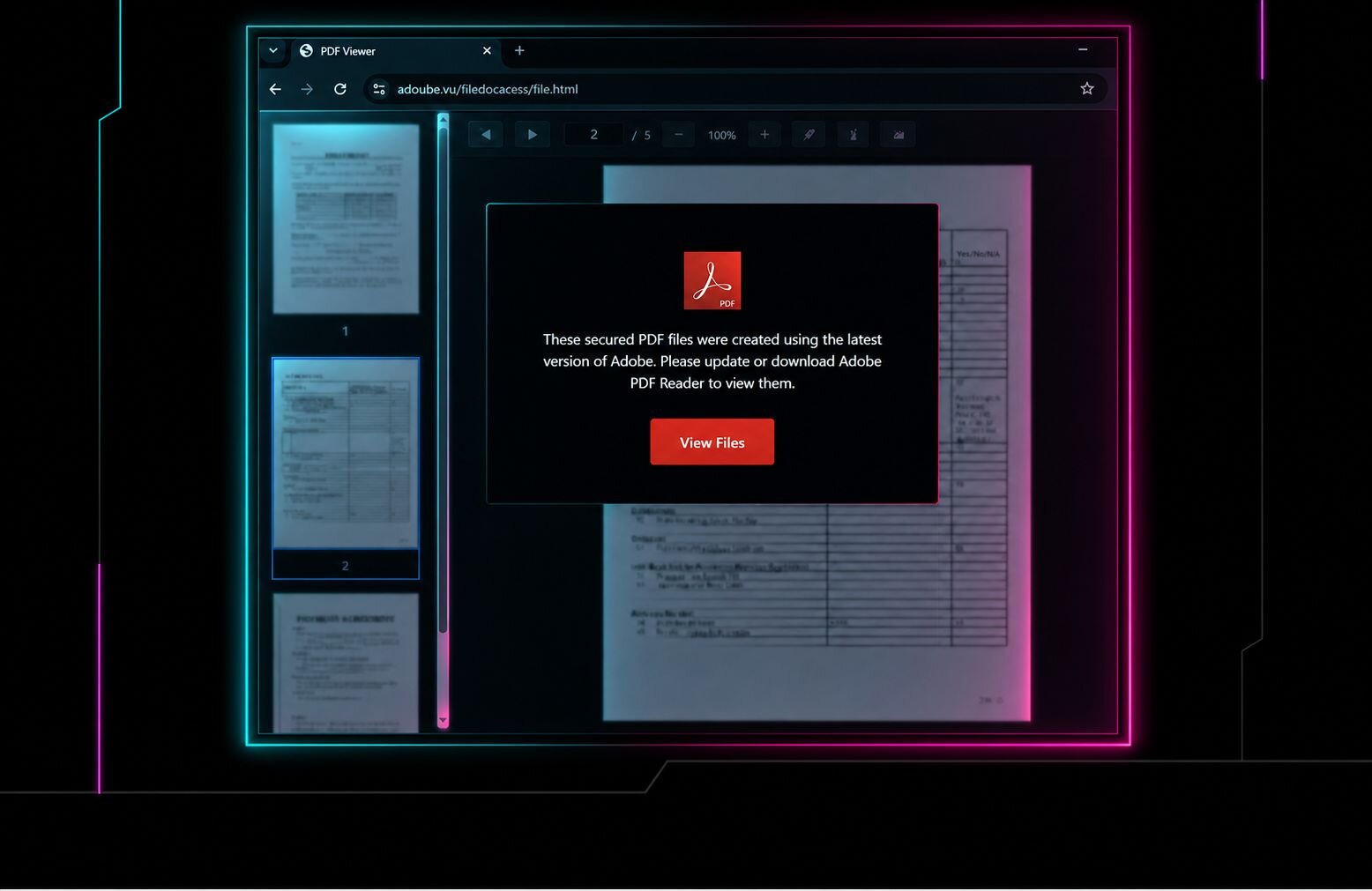
Attackers used a phishing campaign that delivered a browser‑in‑the‑browser (BIB) page, enabling installation of a rogue ScreenConnect remote‑management module that persisted on victim endpoints. The technique bypassed standard endpoint detection and allowed stealthy lateral movement. Defenders should block BIB URLs, audit ScreenConnect processes, and enforce MFA on RMM tools.
Read briefing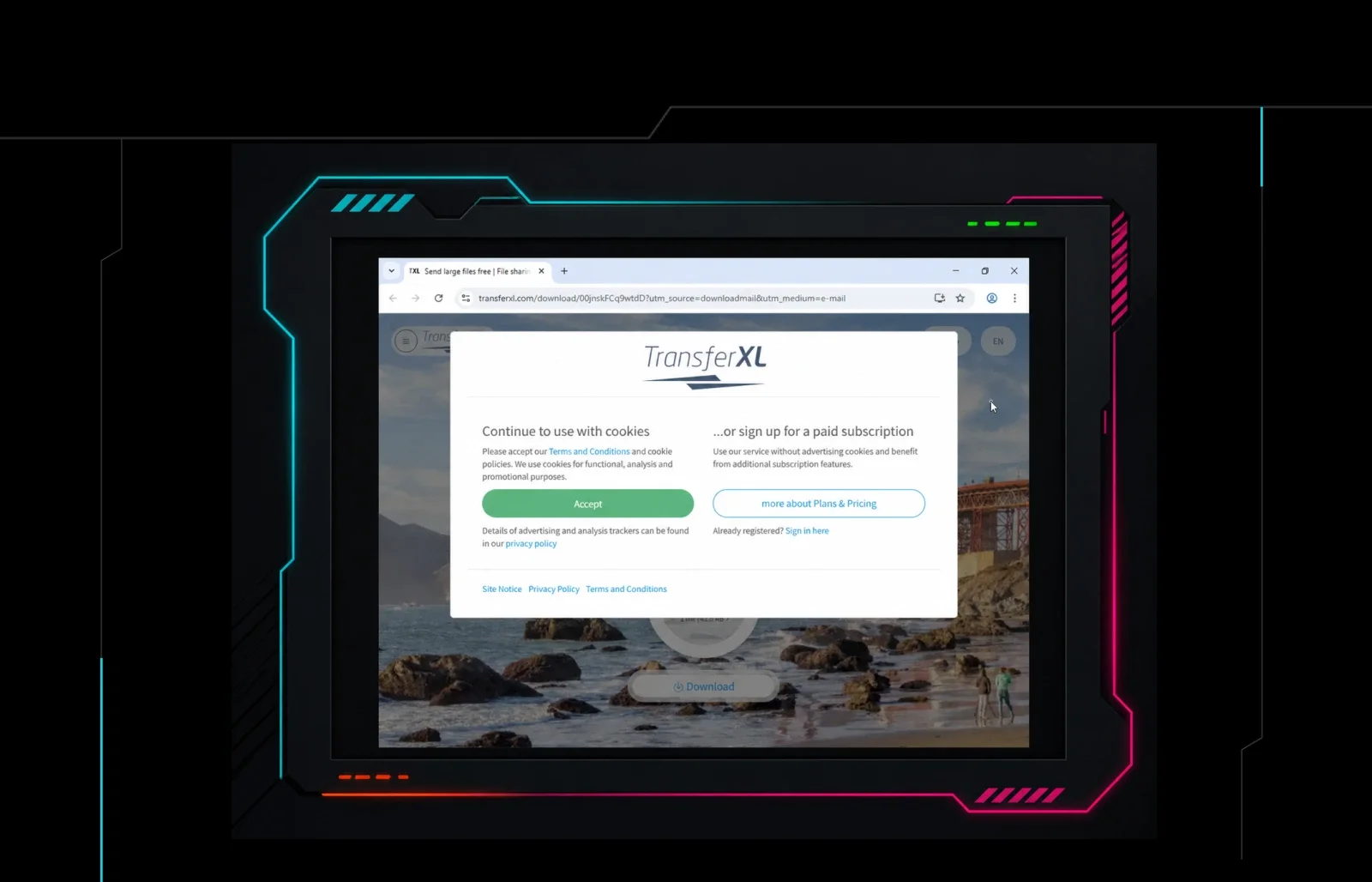
Huntress Reports Phishing Campaigns Using Rogue ScreenConnect Installations for Persistent Access
Huntress says its SOC has seen phishing attacks that convince employees to install rogue remote management tools, including ScreenConnect, giving attackers persistent access. Defenders should inventory authorized RMM agents, block or alert on unauthorized remote access software, and hunt for unexpected installers, services, and outbound management connections.
Read briefing
Milk Dragon Phishing Kit Exploits Social‑Media Discount Ads
Milk Dragon, an AiTM phishing kit launched in October 2025, lures victims with fake discount offers on Facebook and TikTok marketplace ads. The campaign targets consumers shopping for consumer goods and can compromise credentials and personal data. Defenders should block suspicious links, verify ad URLs, and deploy XDR and MFA.
Read briefing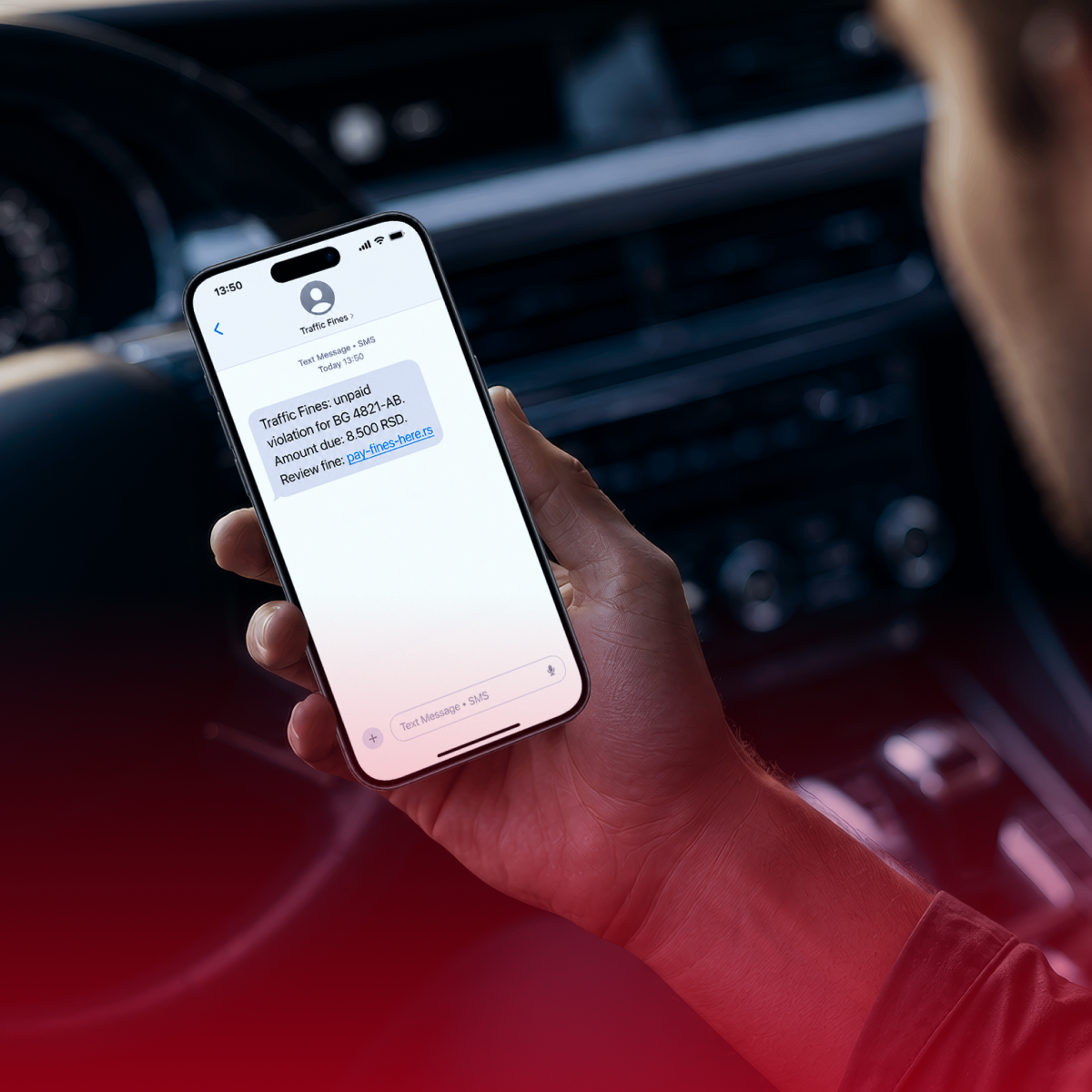
SMS Phishing Targeting Serbian Road Users via Fake State Authority – Global Threat
An SMS phishing operation impersonating Serbia’s state road authority has been linked to the Darcula and Phoenix PhaaS platforms, affecting motorists in Serbia and other countries. The campaign uses spoofed numbers and fake traffic fines to lure victims into revealing credentials. Defenders should verify SMS authenticity, block spoofed numbers, and monitor for related phishing indicators.
Read briefing