
Threat Intel
Elastic Kibana Adds One‑Click DGA Detection Package for SecOps
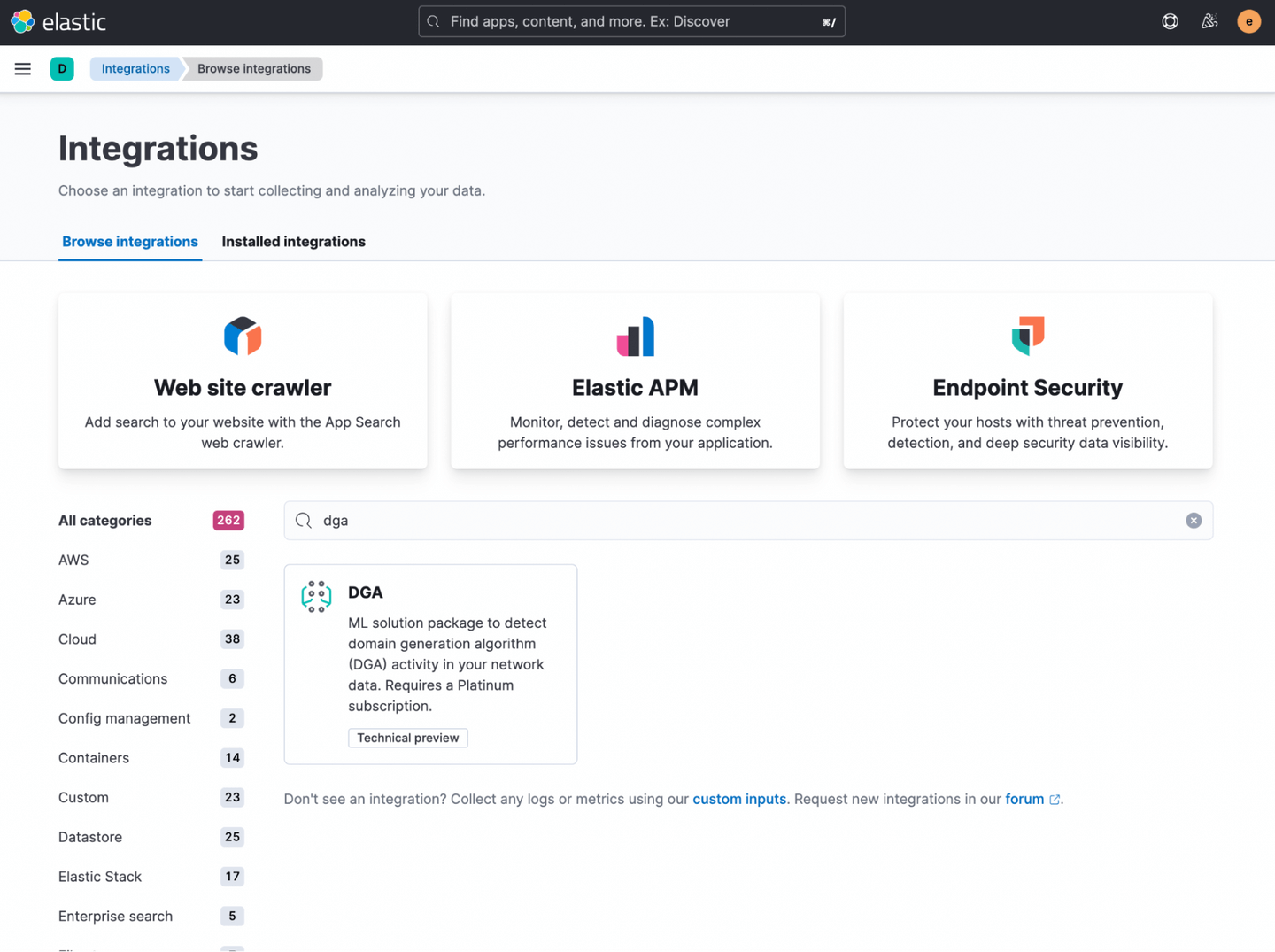
Elastic has released a new DGA detection package in Kibana’s Integrations app. The package installs a pre‑trained model, ingest pipelines, anomaly detection jobs, and rules in a single click, enabling defenders to spot malware using domain generation algorithms. SecOps teams should add the package, enable pipelines, and monitor alerts to block C2 traffic.
What happened
Elastic has added a DGA detection package to Kibana’s Integrations app. The package bundles a pre‑trained model, ingest pipelines, anomaly detection jobs, and detection rules that can be installed with a single click.
Impact
Defenders gain the ability to identify domain generation algorithm traffic that is used by malware to evade DNS blocking. The integration reduces the effort required to detect and respond to C2 communications.
How to install
Follow these steps to enable the package:
- Open Kibana and go to the Integrations section.
- Search for “DGA detection” and click Install.
- Confirm the installation; Kibana will load ingest pipelines, anomaly jobs, and rules.
- Verify that pipelines are active and alerts are firing.
Next steps
After installation, consider:
- Tuning anomaly thresholds to match your baseline traffic.
- Correlating DGA alerts with firewall or DNS logs.
- Blocking or quarantining IPs that resolve to detected domains.
- Keeping the model updated as new DGA families appear.
Related articles
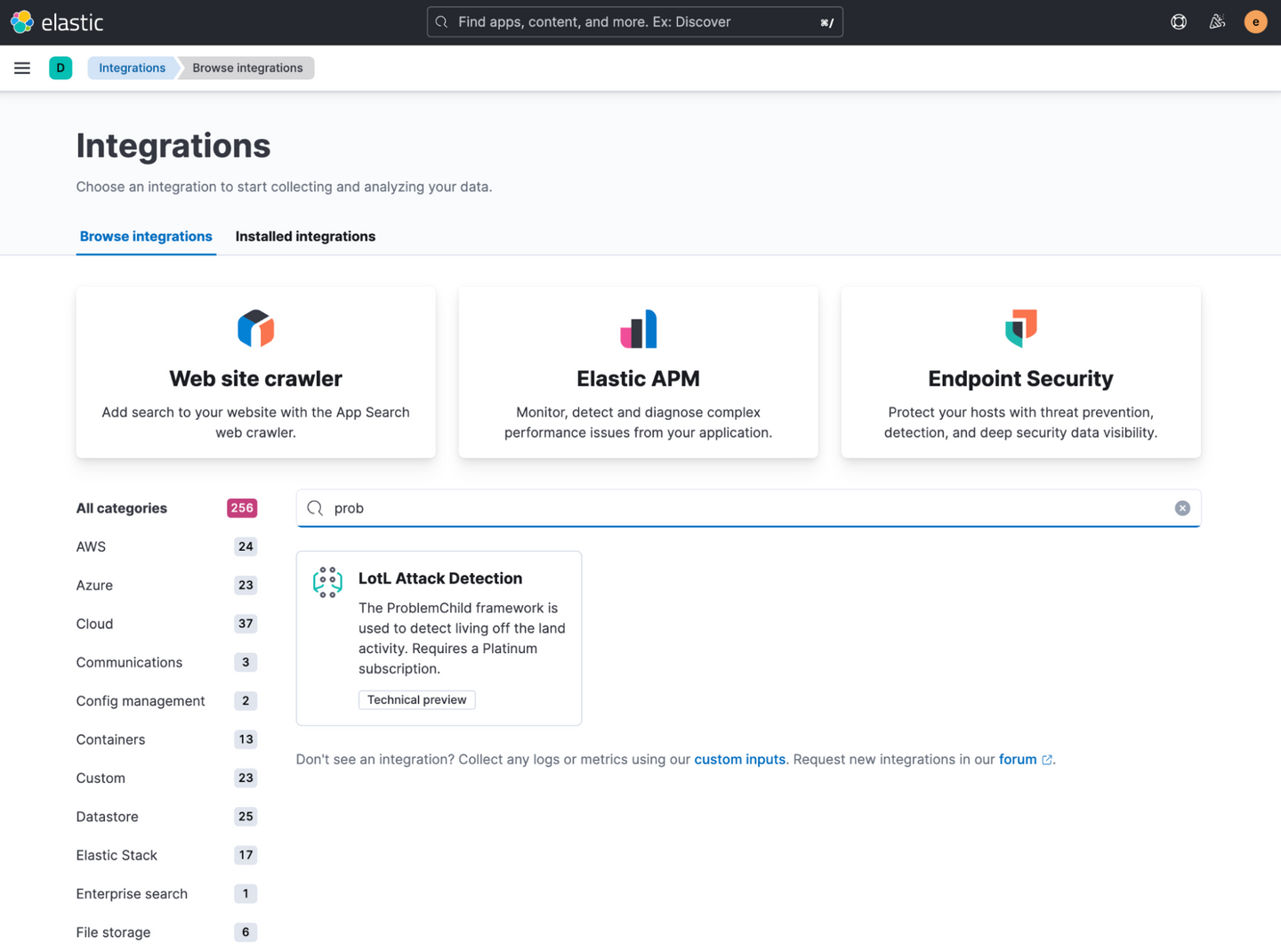
Elastic Releases One‑Click Living‑off‑the‑Land Detection Package for Windows Environments
Elastic Stack now ships a pre‑configured Living‑off‑the‑Land (LotL) detection package via Kibana’s Integrations app. The package installs the ProblemChild ML model, anomaly detection jobs, and rules that flag suspicious parent‑child process chains on Windows. SecOps teams should enable the integration, verify Windows event collection, and monitor the new alerts for early LotL activity.
Read briefing
Elastic Security 9.3 Adds Tech‑Preview QRadar Rule Migration
Elastic Security 9.3 introduces a tech‑preview Automatic Migration for QRadar detection rules, allowing SecOps teams to translate Event, Flow, and Common rules—including reference sets and MITRE mappings—into Elastic‑native logic. Defenders can choose rule‑first or data‑first onboarding and verify integrations before production.
Read briefing
Elastic Security Labs Unveils Monthly Threat Insight Series – Guidance for SecOps
Elastic Security Labs has launched a monthly multipart series that expands on the Global Threat Report, covering topics such as defense evasion and credential access. The series offers actionable insights for SecOps teams to refine detection and response. Defenders should subscribe, review the latest editions, and integrate findings into their Elastic Security stack.
Read briefing
Elastic Security Labs Releases LLM Safety Assessment Report
Elastic Security Labs has published a new LLM safety assessment report that outlines practical threats to large language models and offers guidance for defenders. The report focuses on data mapping, normalization, and detection strategy for AI‑driven threats. SecOps teams should review the findings and start implementing the recommended detection steps.
Read briefing