
Vulnerabilities
Microsoft Defender Zero‑Day Blocks Antivirus Updates on All Windows Versions
Over the weekend, researcher Abdelhamid Naceri released BigDiskBuster, a new zero‑day that stops Defender from downloading signature updates. The exploit works on every supported Windows OS and requires the malicious process to run in the background. Defenders should terminate the process, disable automatic updates, and apply the latest vendor patches.

What Happened
Security researcher Abdelhamid Naceri, also known as Nightmare Eclipse, introduced a new Microsoft Defender zero‑day, dubbed BigDiskBuster. The proof‑of‑concept demonstrates how the exploit can prevent Defender from performing platform and signature updates while the malicious process is running in the background.
Impact
BigDiskBuster is effective on all currently supported Windows versions. By blocking updates, it leaves systems vulnerable to newly discovered malware and exploits that rely on up‑to‑date signatures. The attack is similar to Naceri’s earlier UnDefend exploit, which also targeted update mechanisms.
What to Do
Defenders should immediately:
- Identify and terminate any background process matching the BigDiskBuster signature.
- Disable automatic Defender updates until a patch is available.
- Switch to an alternative antivirus solution or enable a secondary signature feed.
- Apply the latest Windows and Defender patches as soon as Microsoft releases them.
Mitigation
Microsoft has not yet released a patch. Until then, consider the following mitigations:
- Configure Defender to use manual update schedules.
- Enable Windows Defender Exploit Guard to restrict background processes.
- Use endpoint detection and response (EDR) to monitor for anomalous update failures.
- Maintain a robust backup strategy to recover from potential compromise.
Related vulnerabilities
Microsoft September 2026 Patch Tuesday: 2 Exploited Zero‑Days, 113 Critical Vulnerabilities
Microsoft released security updates for 972 CVEs, including two zero‑day exploits that were actively used and 113 critical flaws. The update covers Windows 10/11, Office, Exchange, and Azure services. Defenders should apply patches immediately, verify deployment, and monitor for exploitation attempts.
Read briefing
Microsoft Patch Tuesday 2026: Two Zero‑Days Exploited, 113 Critical Vulnerabilities Fixed
Microsoft released updates for 972 CVEs, including two zero‑days that were actively exploited and 113 critical flaws. The patches affect Windows 10/11, Windows Server 2022, and Microsoft 365 services. Defenders should immediately apply the updates, verify patch status, and monitor for exploitation indicators.
Read briefing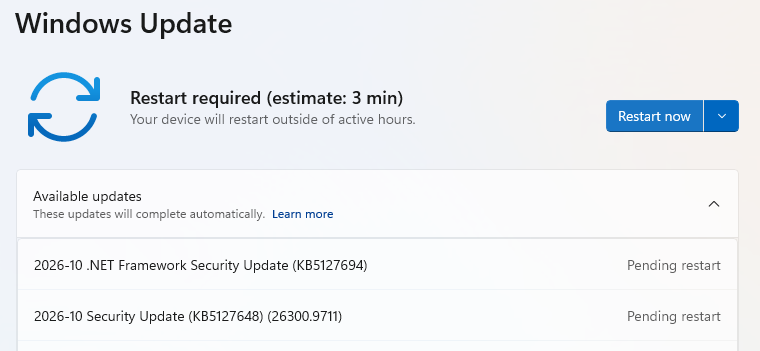
Microsoft Patch Tuesday Oct 2023: 1,413 Vulnerabilities, Including Actively Exploited Windows Shell Zero‑Day
Microsoft’s October Patch Tuesday released a record 1,413 fixes, including CVE‑2026‑96951, a Windows Shell zero‑day already in use, and two other publicly disclosed zero‑days. Defenders must apply the updates immediately, verify patch status, and monitor for exploitation patterns.
Read briefing
Microsoft Releases 570 Vulnerability Fixes, Including 3 Zero‑Days and 60 Critical Issues
Microsoft’s latest Patch Tuesday fixed 570 security flaws across Windows and related products, including three zero‑day vulnerabilities and 60 critical bugs that could allow remote control or privilege escalation. Defenders should apply updates immediately, verify affected components, and monitor for exploitation of the newly disclosed CVEs.
Read briefing