
Threat Intel
Detecting Cobalt Strike Beacons with Elastic Stack: Memory‑Based Collection and Analysis
Cobalt Strike, a popular red‑team tool, can be abused by threat actors to maintain persistence via malleable C2 beacons. Using Elastic Stack’s Fleet policy, defenders can capture shellcode and memory regions from Windows endpoints, parse beacon configurations, and surface adversary activity. The following briefing explains how to set up detection‑only policies, collect 4 MB memory samples, and analyze beacon metadata.

What Happened
Adversaries use Cobalt Strike’s malleable C2 profiles to embed beacon payloads in memory on compromised Windows hosts. The beacons communicate with command‑and‑control servers, enabling persistence and lateral movement.
Impact
When a beacon is active, it can exfiltrate data, spawn new processes, and evade traditional signature‑based defenses. Detecting these implants requires deep memory inspection.
What to Do
Deploy Elastic Stack Fleet agents with a detection‑only policy, enable memory and shellcode collection, and parse beacon configurations to surface malicious activity.
Configure Fleet for Memory Capture
- Create or edit an Agent Policy in Kibana.
- Disable “System monitoring” and “Agent monitoring” to reduce noise.
- Add the Endpoint Security integration.
- Set protection level to “Detect” for all protections.
- Enable the “Collect memory and shellcode” option and configure a 4 MB sample size.
Parse and Analyze Beacon Metadata
Once memory samples are indexed, locate the beacon configuration fields such as beacon_id, server, and interval. Correlate these with network logs to confirm Cobalt Strike activity.
Next Steps
Automate alerting on known beacon signatures, integrate with SIEM workflows, and maintain an up‑to‑date list of malleable C2 profiles for threat hunting.
Related articles
Cobalt Strike Beacon Extractor Tool Enables Rapid In‑Cluster Configuration Retrieval
A new Python utility scans Elastic Endpoint logs for Cobalt Strike memory dumps, extracts beacon configuration, and re‑indexes the data in ECS format. Defenders can run it via Docker and feed the results into existing playbooks.
Read briefing
Elastic Launches Detonate: Automated Malware Testing for Elastic Security
Elastic released Detonate, a sandboxed platform that lets security teams run malware samples against their Elastic Security stack with minimal effort. The system automates VM provisioning, execution monitoring, and telemetry collection, enabling rapid validation of protection efficacy.
Read briefing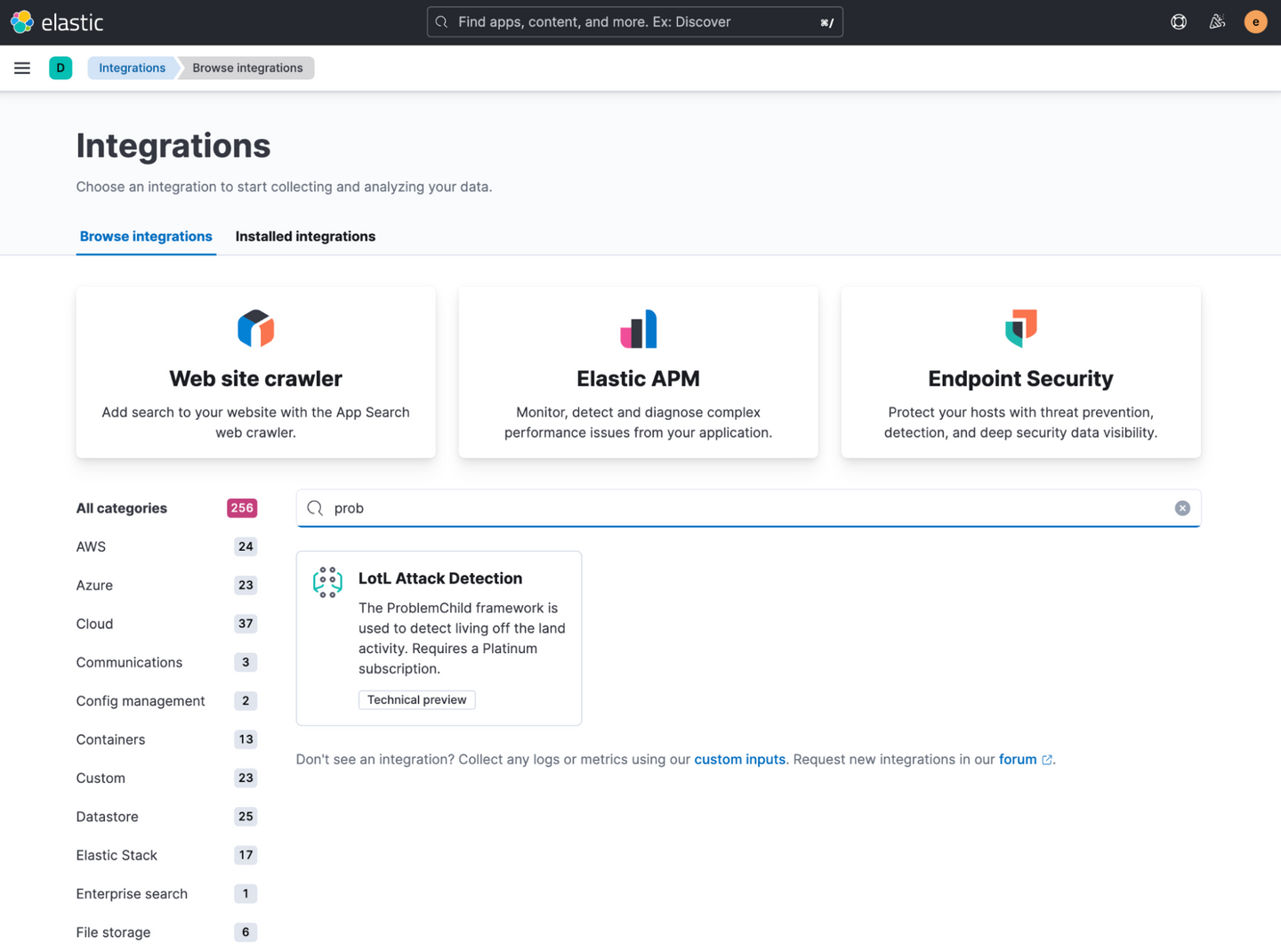
Elastic Releases One‑Click Living‑off‑the‑Land Detection Package for Windows Environments
Elastic Stack now ships a pre‑configured Living‑off‑the‑Land (LotL) detection package via Kibana’s Integrations app. The package installs the ProblemChild ML model, anomaly detection jobs, and rules that flag suspicious parent‑child process chains on Windows. SecOps teams should enable the integration, verify Windows event collection, and monitor the new alerts for early LotL activity.
Read briefing
Elastic Introduces Agent Builder & Workflows to Automate SOC Triage
Elastic Stack now includes Agent Builder and Elastic Workflows, allowing security teams to automate alert triage and response. The combination separates deterministic actions from AI‑driven analysis, reducing analyst toil while maintaining auditability.
Read briefing